
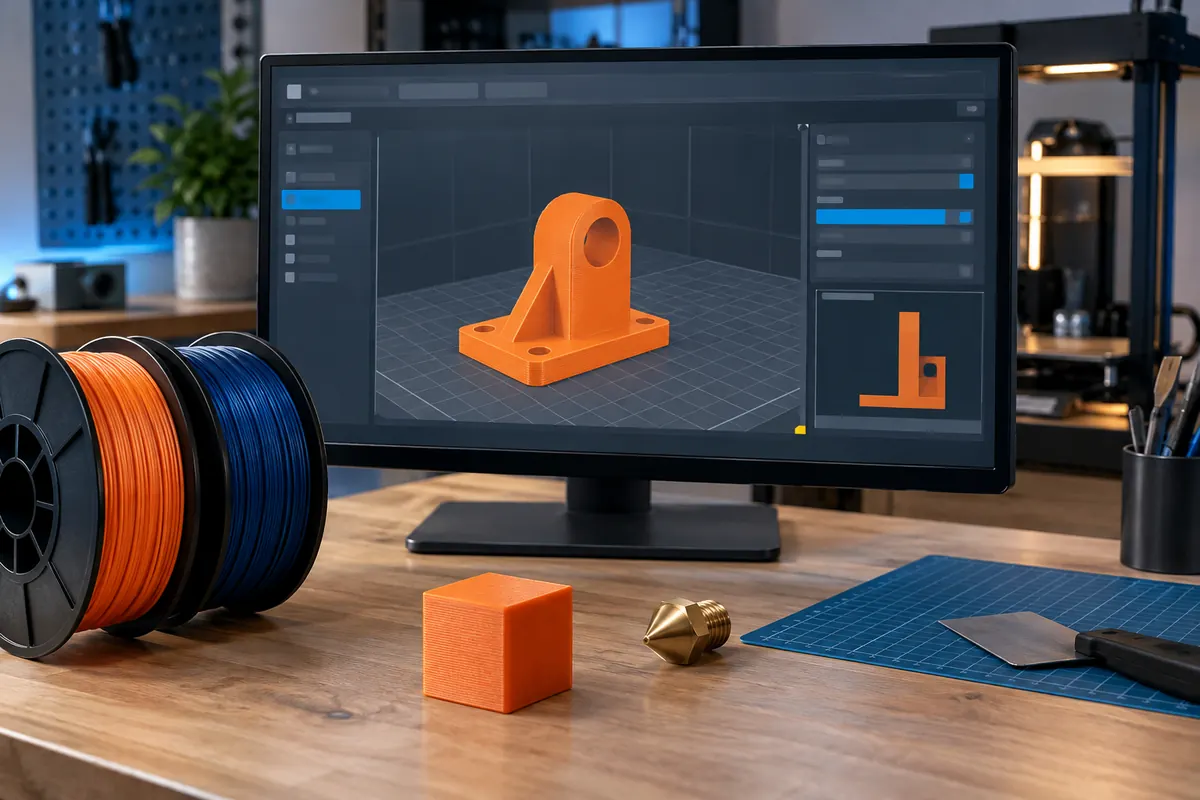
Technical context
Verify nozzle diameter, filament diameter, build area and firmware flavor. Then check first-layer behavior, support placement and maximum flow. Values expressed as ratios, percentages and absolute units can look similar while producing radically different commands.
Practical workflow
Change one parameter at a time and preserve a known-good baseline. Review the complete sliced preview before export, including thin walls, unsupported islands and purge structures. A successful slice means the software generated paths, not that the machine can safely perform them.
Calculation and units
Rectangular Q = width × height × speed. Stadium A = h × (w ? h) + ?h²/4 for w ? h, then Q = A × speed.
Worked example
0.45 × 0.20 mm at 100 mm/s requires 9 mm³/s rectangularly, or 8.14 mm³/s with rounded geometry.
Validate the outcome
Match slicer geometry and test actual nozzle, temperature and filament. Poor adhesion can precede visible under-extrusion.
Audit changed profiles in a fixed order
Confirm printer identity, build area, firmware flavor and start/end routines first. Then verify nozzle, filament diameter, material temperature, cooling and flow. Finally review walls, top thickness and supports. This order avoids hiding a configuration error with unrelated quality corrections. Imported project settings can restore unwanted values, and a familiar material name can still carry another machine's flow cap. Compare against a saved known-good baseline before export.
Successful export is not physical validation
Scroll layers for disconnected islands, vanishing details, unsupported starts and unexpected structures. Check plate footprint and tool assignments, then speed and flow demands. A completed export means the slicer generated instructions, not that a machine can safely perform them. Inspect ratios and percentages carefully: 1.00 flow ratio equals 100%, while 100 in a ratio field can create a drastic error. Keep a controlled test and change log.
Change one assumption and preserve evidence
When several settings change together, a successful result does not reveal which change helped, and a failure is harder to diagnose. Save the old profile and test with one deliberate adjustment under the same material conditions. Record the reason, expected effect and observed result. For production, preserve the actual profile revision and G-code so a later operator can reproduce or investigate the job without guessing the live settings.
Profile audit sequence
| Order | Check | Reason |
|---|---|---|
| 1 | Printer area firmware routines | Machine compatibility |
| 2 | Nozzle and filament diameter | Geometric feed assumptions |
| 3 | Temperature cooling flow | Material process |
| 4 | Walls skin and support | Required part outcome |
Use a change log to prevent compensating errors
Save a known-good profile and make one deliberate adjustment with a stated hypothesis. Record expected effect, test geometry and observed result. If many changes occur together, improvement does not reveal the useful one and a failure becomes harder to diagnose. Imported projects deserve the same audit because they can carry different machine or material assumptions despite a familiar file name.
Before production, review the full layer preview, maximum flow, unsupported starts and plate structures. Confirm ratios versus percentages and the correct printer conventions. Preserve the actual exported job and profile revision, then record live overrides if any. A reproducible record lets the next operator investigate without inventing what the previous settings were. The aim is consistency and a causal explanation, not collecting a long list of unverified quality tweaks.
Can I trust settings stored inside a downloaded project?
Inspect them before use. A project can contain a different printer, nozzle, filament grade, firmware convention or startup routine. Familiar geometry does not make the process compatible. Compare against your known-good profile and review overrides, then slice and inspect the full preview. Preserve useful design information while making manufacturing settings explicit for your machine. A successful import is only a software operation, not proof of safe execution.
How can I avoid losing a reliable baseline?
Save the approved profile with a revision and keep the original exported job. For each test, record one changed parameter, expected effect and observed outcome. If several changes are necessary, stage them so each has evidence. Record live overrides too; otherwise the saved profile no longer describes the actual print. This small discipline makes troubleshooting more causal and lets another operator reproduce the accepted configuration rather than guessing.