
3D Printing Guides
Understand your printer, improve your workflow and find answers for your next project.
Practical printing guides
 Costs & pricing
How Much Does 3D Printing Cost?
A gram-only price answers a material question, not the cost of a usable finished item. Two models with identical mass can require different supports, operator time and printer occupancy.
Read guide →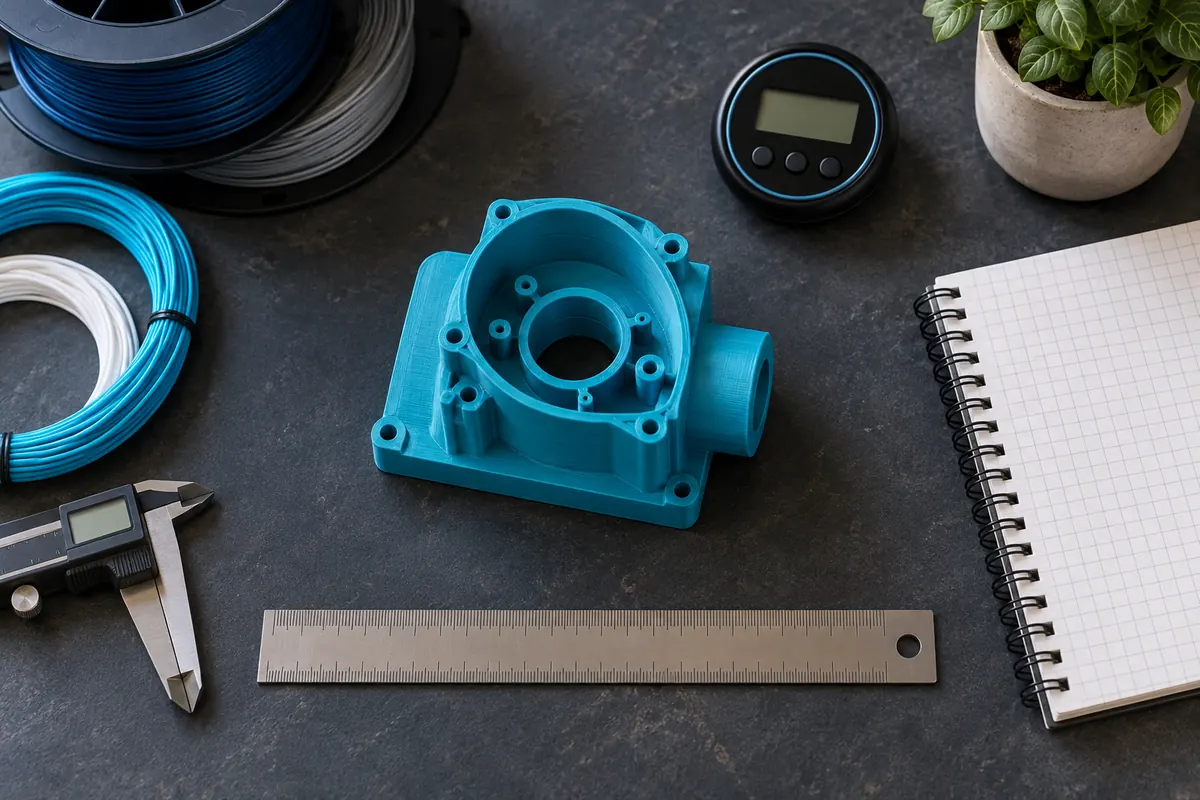 Costs & pricing
How to Calculate 3D Printing Costs
A repeatable costing method starts with a declared boundary and ends with actual-versus-estimated comparison. The aim is to identify what changed, not merely produce a total.
Read guide → Printing business
How to Price 3D Printed Products
A sustainable selling price begins with accepted-part cost and a clear service scope. A commodity part and a custom engineered part solve different customer problems.
Read guide → Printing business
3D Printing Profit Margin Explained
Margin expresses profit as a share of revenue; markup expresses it as a share of cost. Using the same percentage for both produces different selling prices.
Read guide →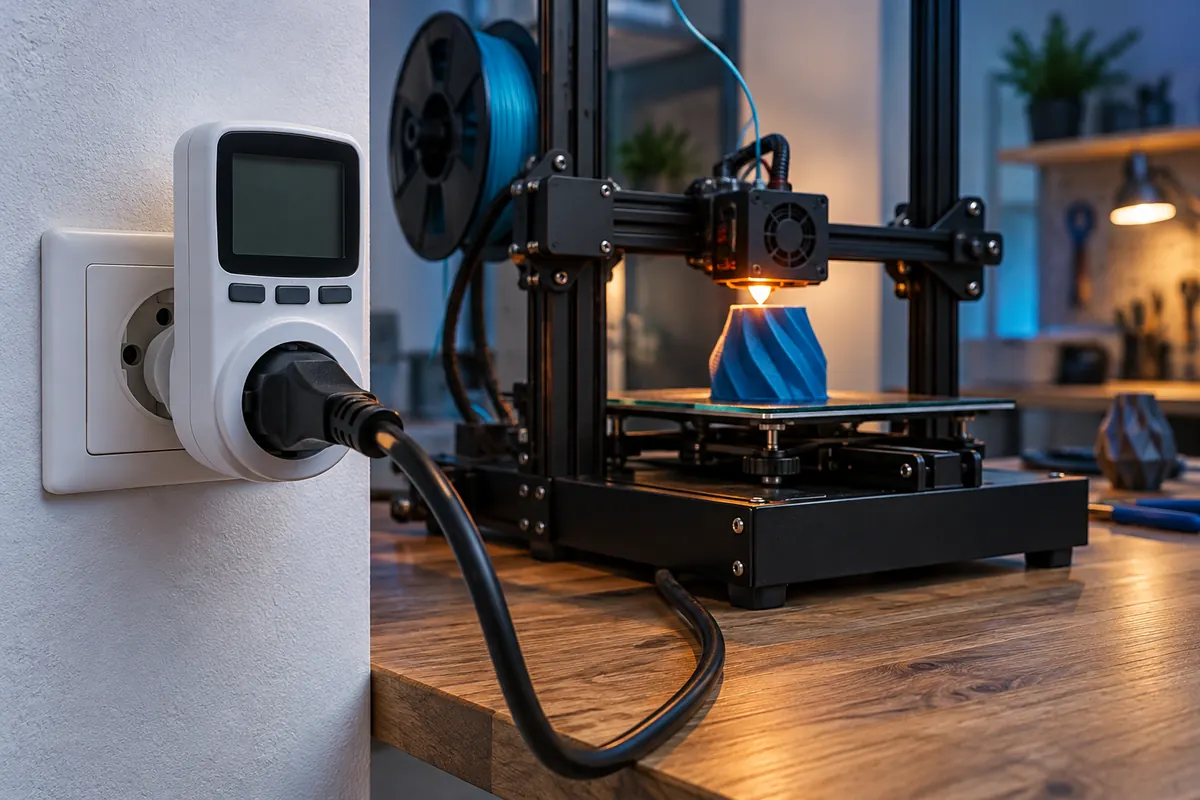 Costs & pricing
Electricity Costs of 3D Printers
Electricity depends on energy consumed during the complete job, not the maximum wattage printed on a power supply. Heating behavior makes isolated readings misleading.
Read guide →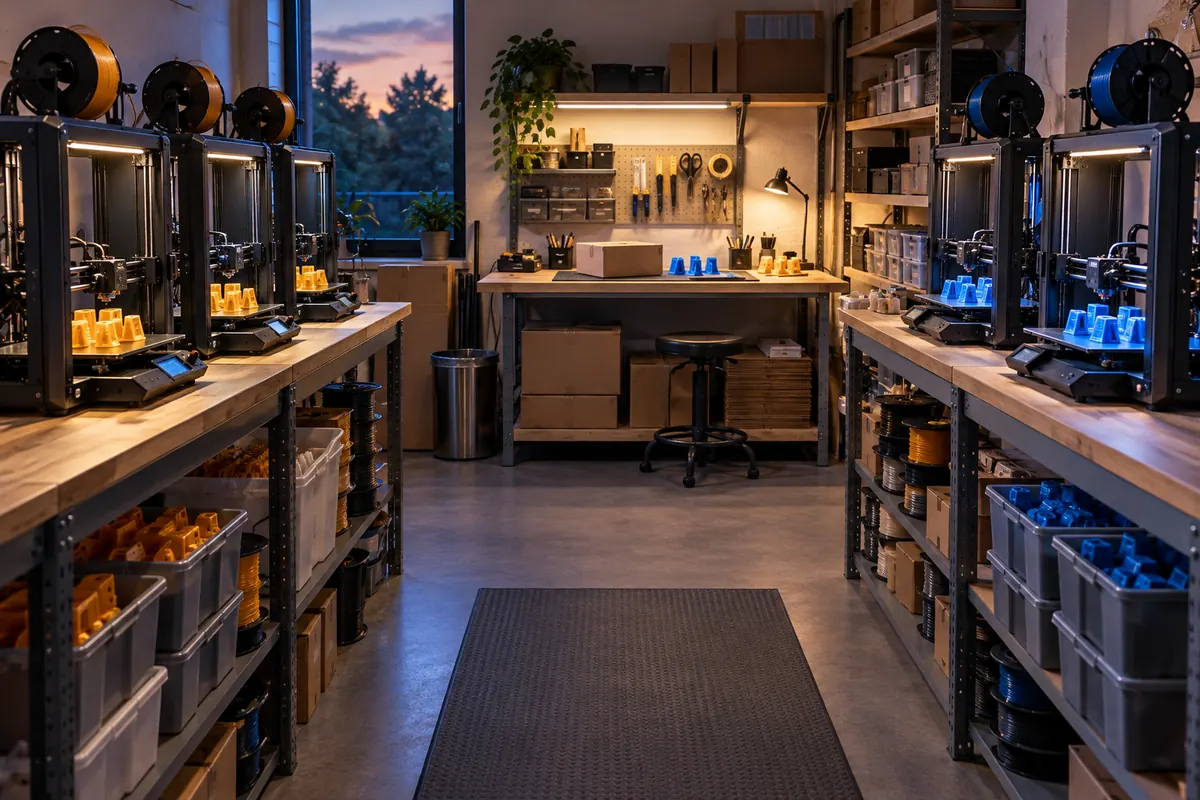 Printing business
How to Calculate Print Farm Profitability
A farm is constrained by demand, usable machine hours and human handling. Adding printers cannot fix a bottleneck in quoting, finishing or sales.
Read guide →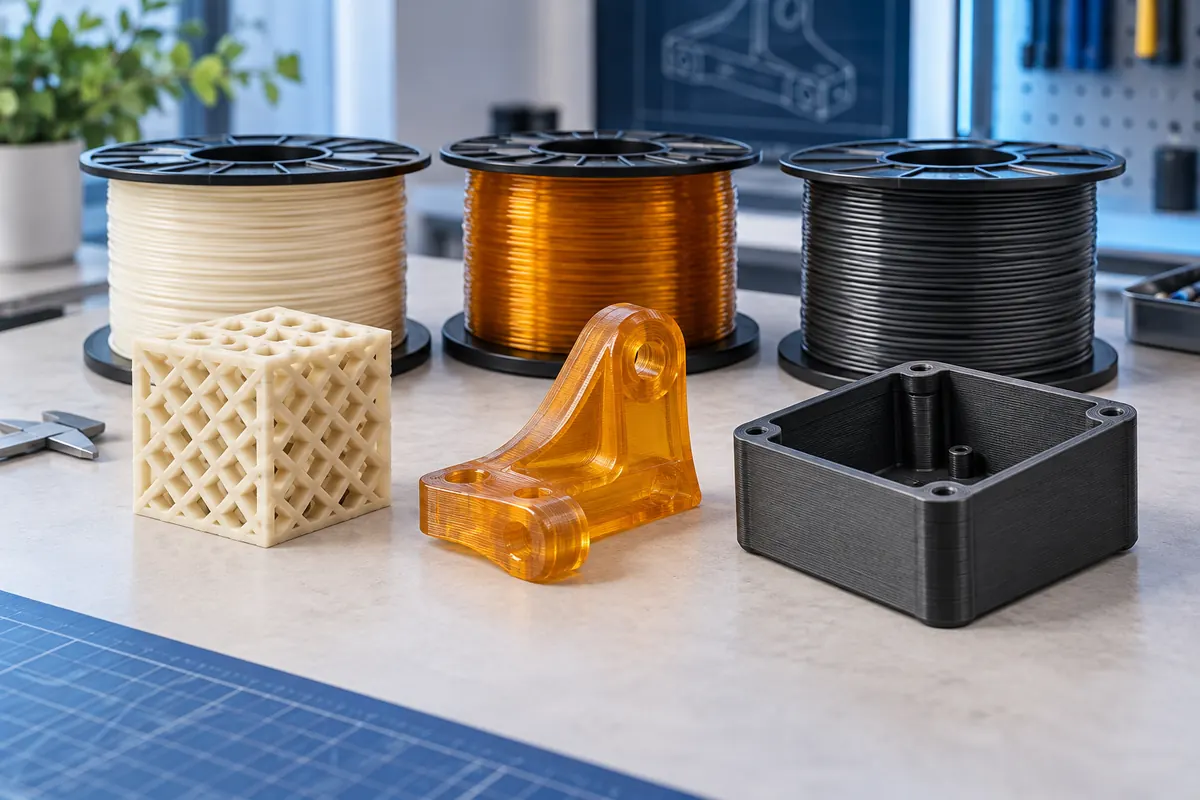 Filament & materials
PLA vs PETG vs ABS
Choose material from the part's service requirements rather than from a universal ranking. Temperature, stiffness, impact, dimensional stability and processing conditions all matter.
Read guide →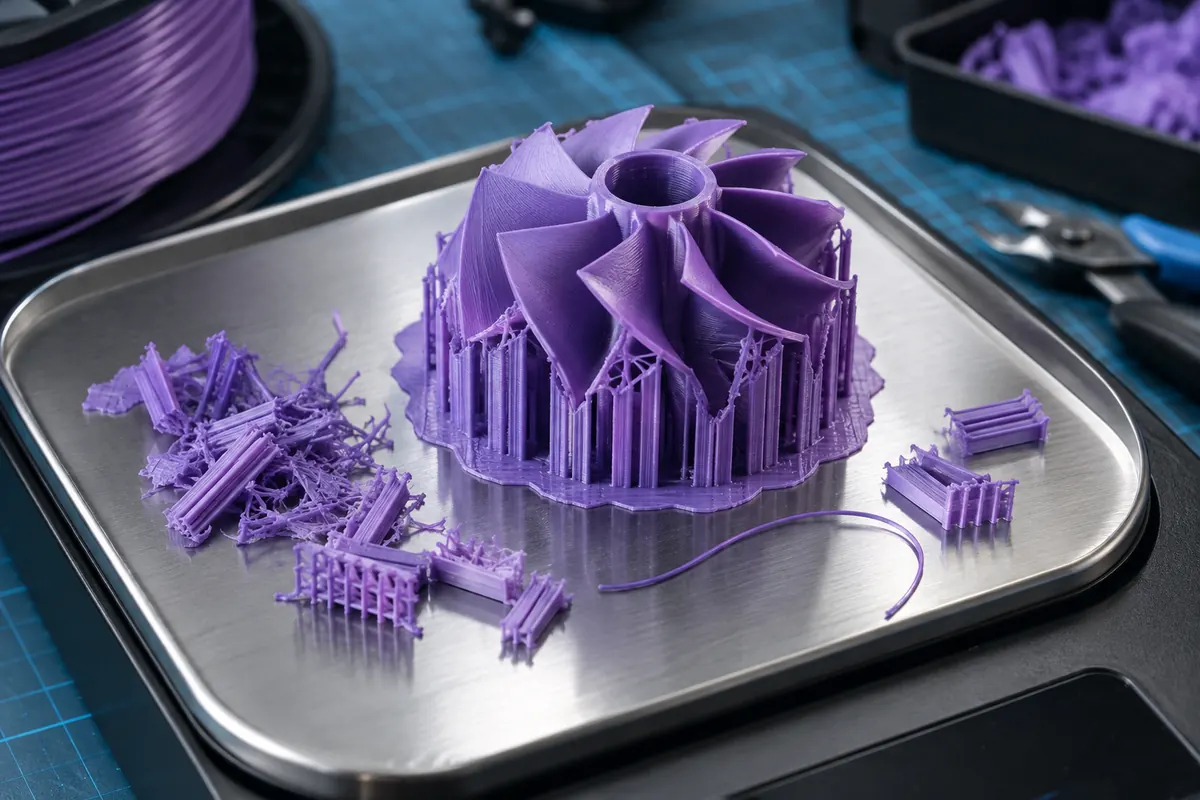 Filament & materials
How Much Filament Does a 3D Print Use?
Consumption is determined by sliced toolpaths. The object's outside volume alone cannot capture walls, sparse infill, support, brim and purge.
Read guide →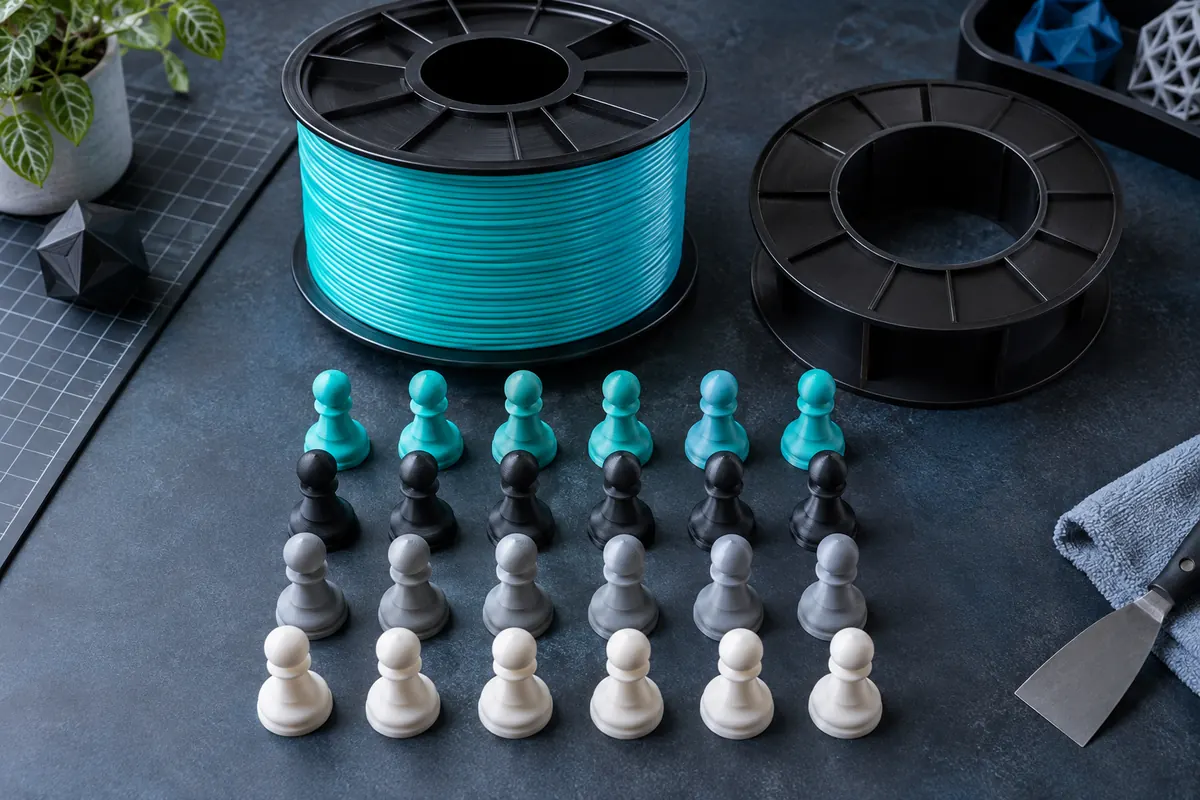 Filament & materials
How Long Does a 1kg Filament Spool Last?
One kilogram is a stock quantity, not a fixed number of printing hours. Tiny parts, large walls and multicolor purging spend it at very different rates.
Read guide →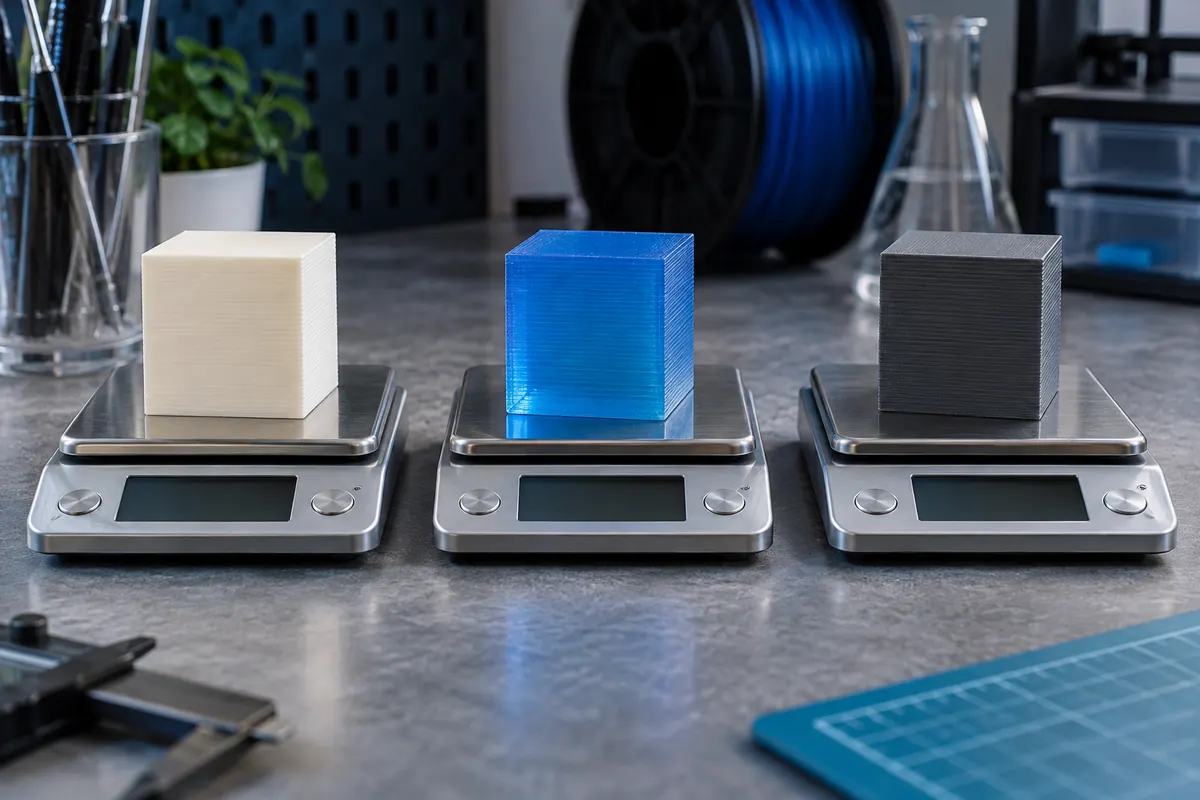 Filament & materials
Filament Density Explained
Density links solid material volume and mass. It is needed when a slicer or converter moves between meters, cubic centimeters and grams.
Read guide →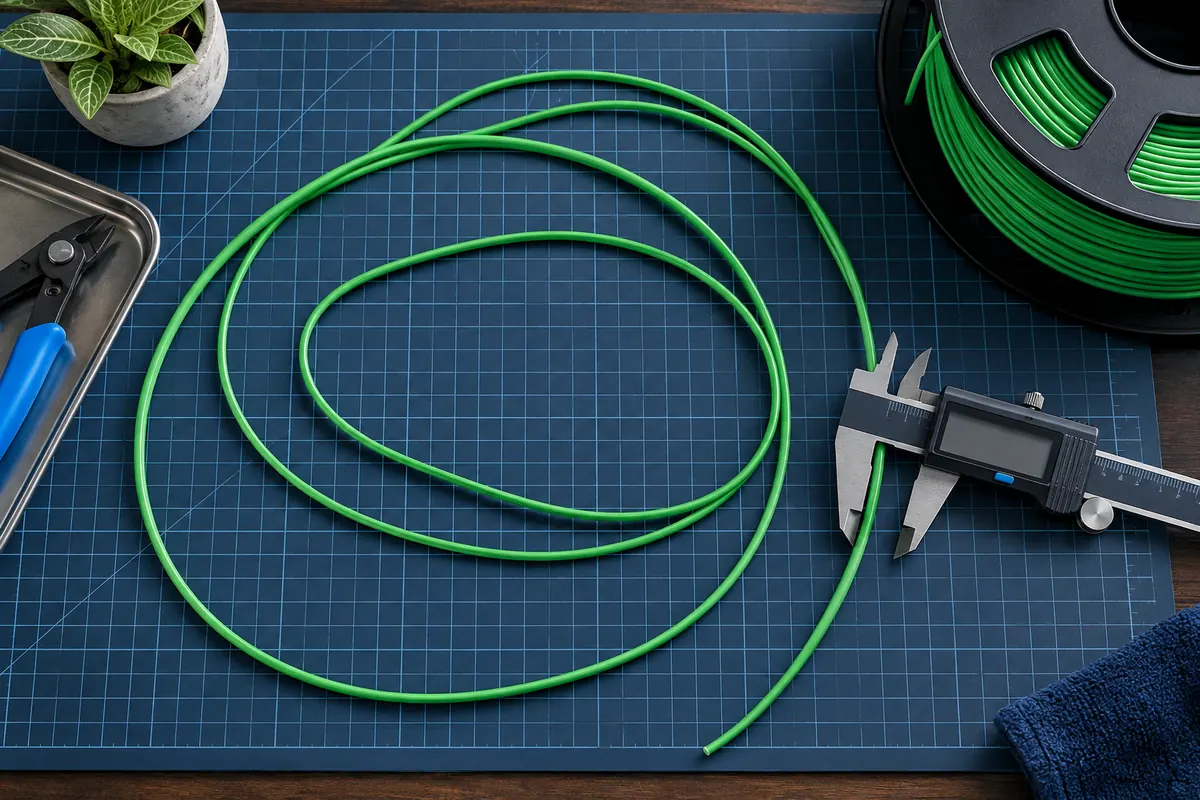 Filament & materials
How to Calculate Filament Length
A filament strand can be modeled as a cylinder. Its diameter determines area, and density converts that cylindrical volume into mass.
Read guide → Filament & materials
How to Reduce Filament Waste
Reduce avoidable waste by distinguishing failed parts, supports, startup extrusion and color purging. Each category requires a different intervention.
Read guide →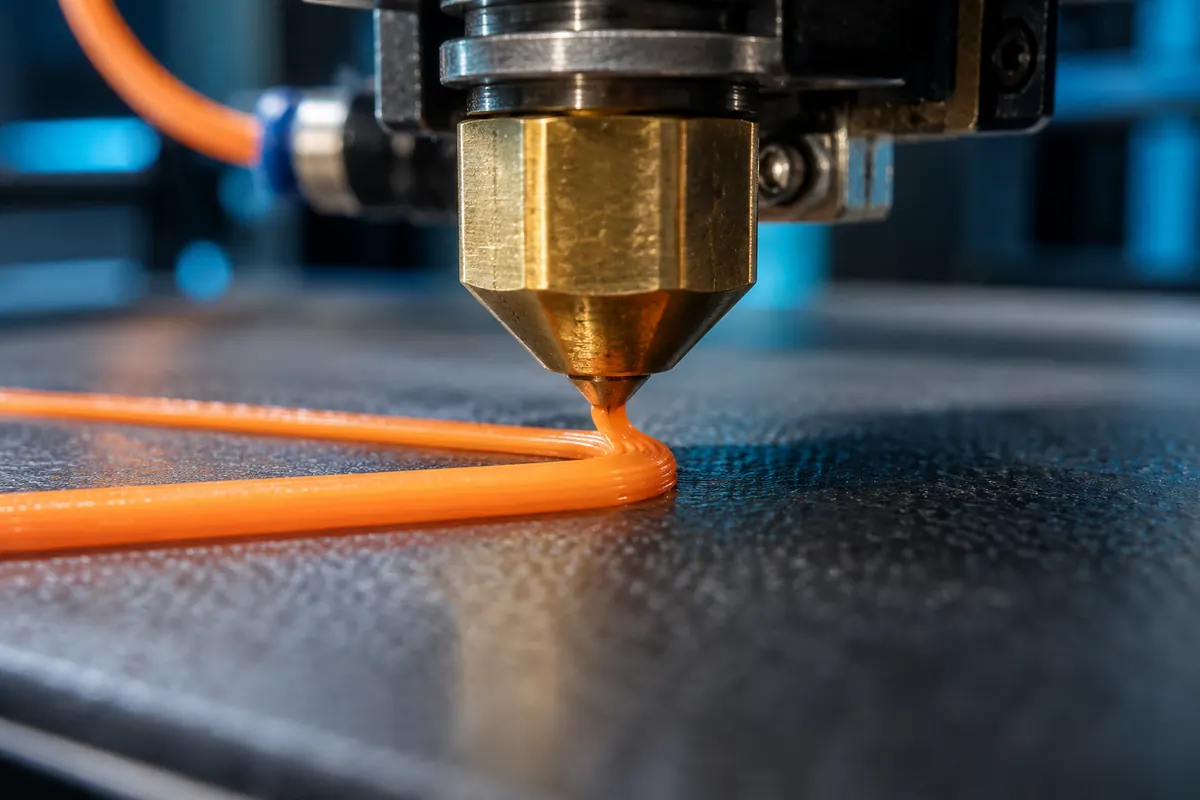 Calibration
What Is Volumetric Flow?
Volumetric flow expresses how much polymer the hotend must deliver each second. Linear speed alone does not describe extrusion demand.
Read guide →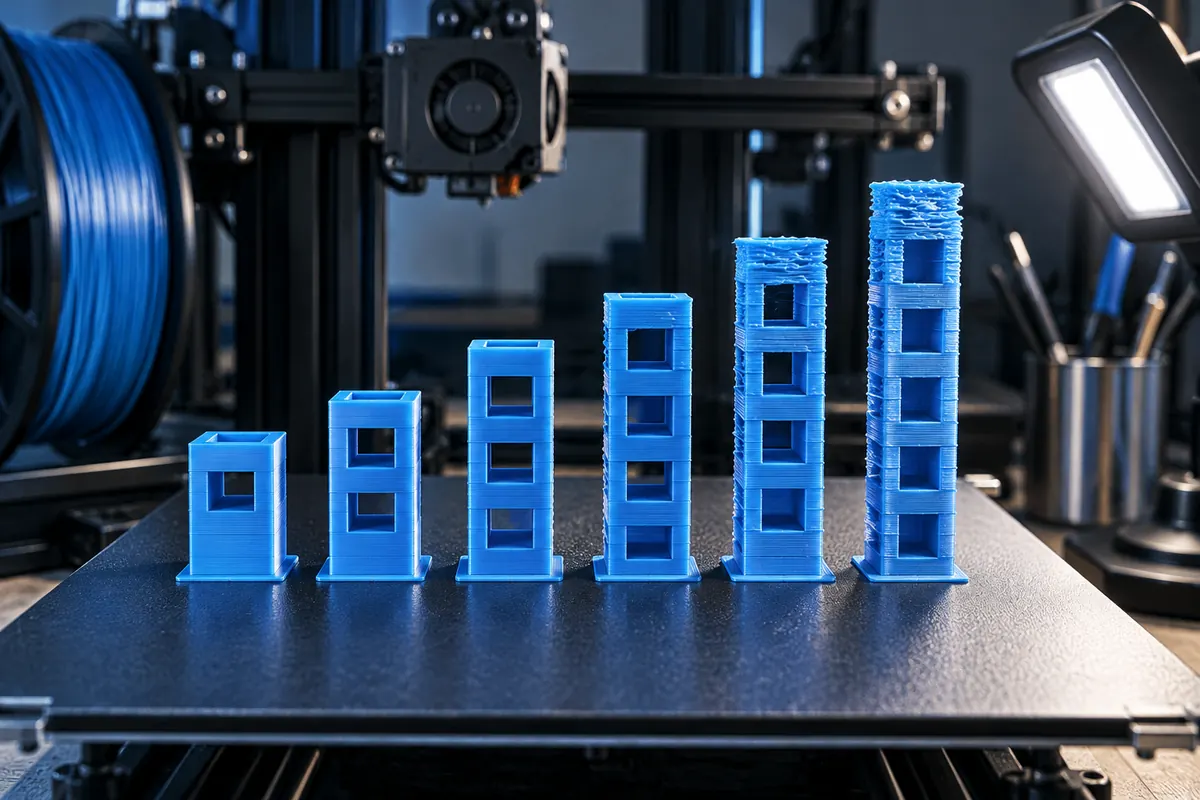 Calibration
How to Find Maximum Volumetric Speed
A safe volumetric limit belongs to a nozzle, material, temperature and quality target. It is not a permanent universal printer specification.
Read guide →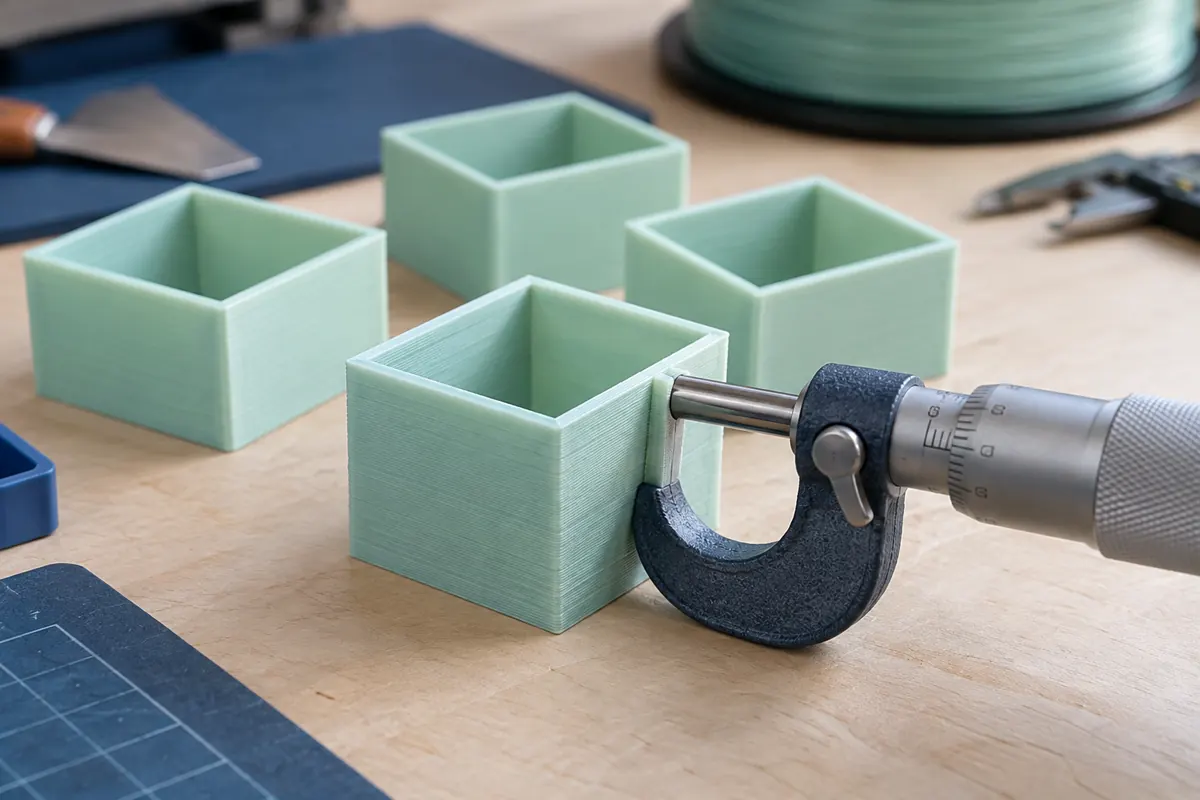 Calibration
How to Calibrate Extrusion Flow
Tune material flow only after feeding hardware and temperature behave consistently. Extrusion multiplier changes quantity, while pressure advance changes its transient timing.
Read guide →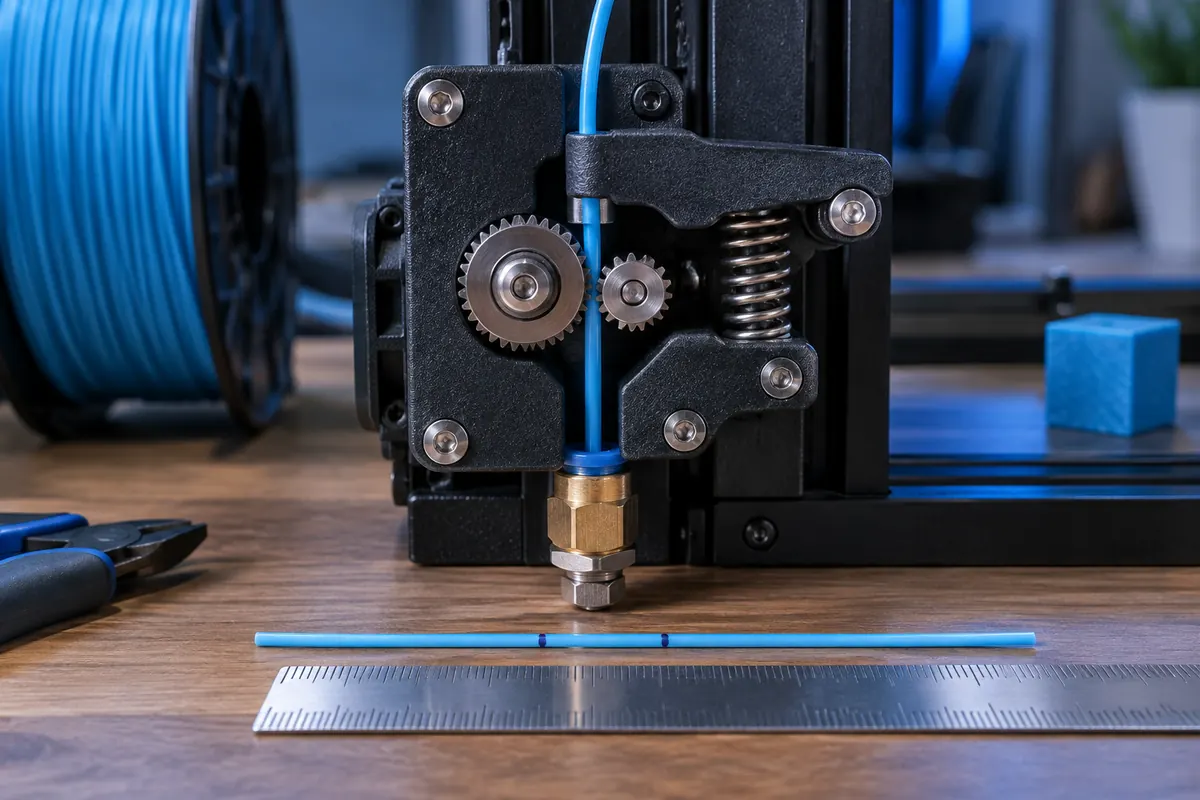 Calibration
E-Steps Calibration Explained
E-steps define how many motor steps correspond to one millimeter of filament feed. They calibrate mechanics rather than compensating for every printing defect.
Read guide →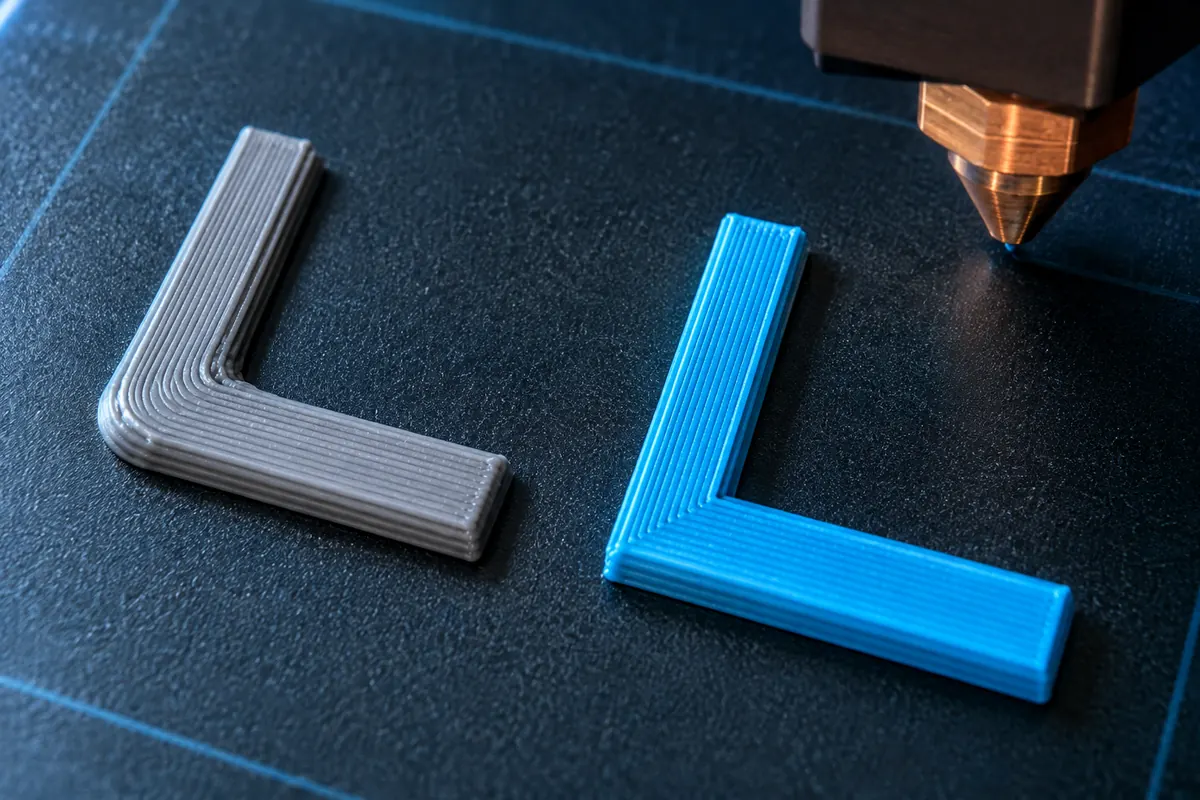 Calibration
Pressure Advance Explained
Pressure advance compensates extrusion transients during acceleration and deceleration. It can improve corners without serving as a substitute for correct material flow.
Read guide →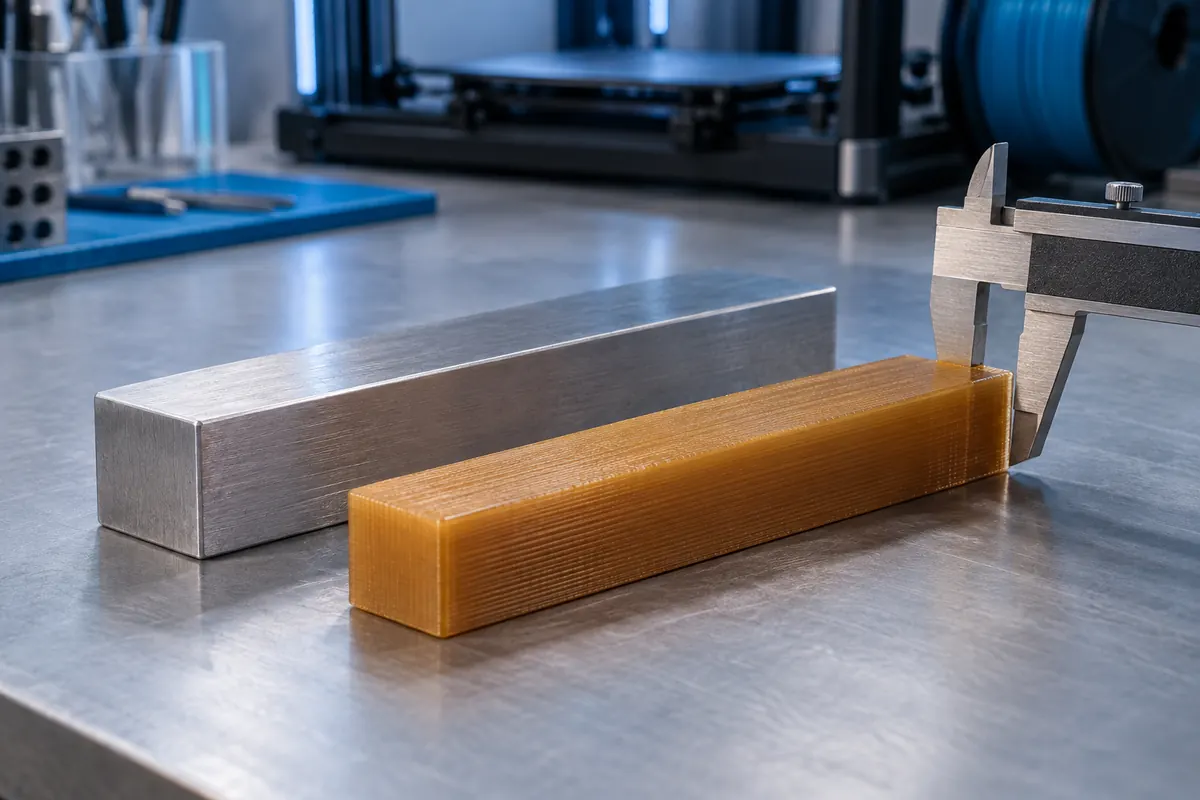 Calibration
Understanding 3D Printing Shrinkage
Cooling changes polymer dimensions, but not every dimensional error is proportional shrinkage. Scaling is appropriate only when the measured pattern supports it.
Read guide →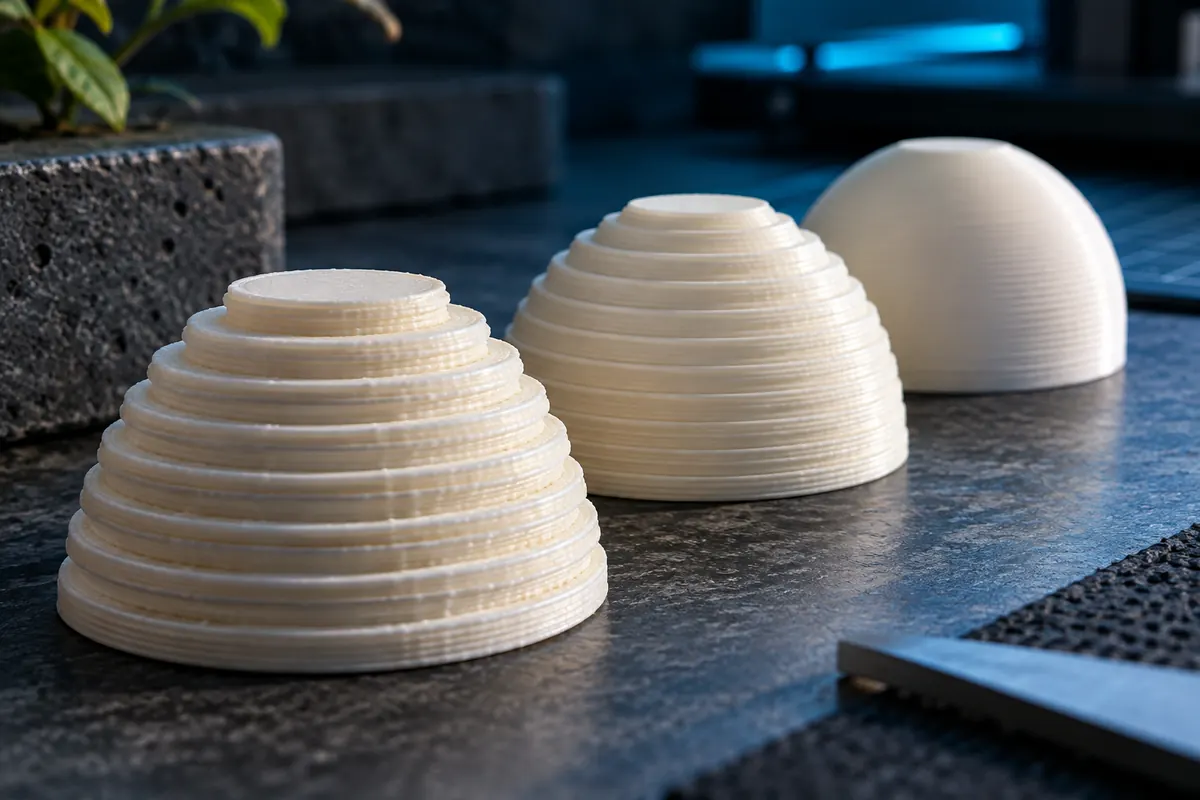 Slicer settings
Layer Height Explained
Layer height controls vertical sampling of the model. It affects surface steps and the number of layers but does not independently determine XY resolution.
Read guide →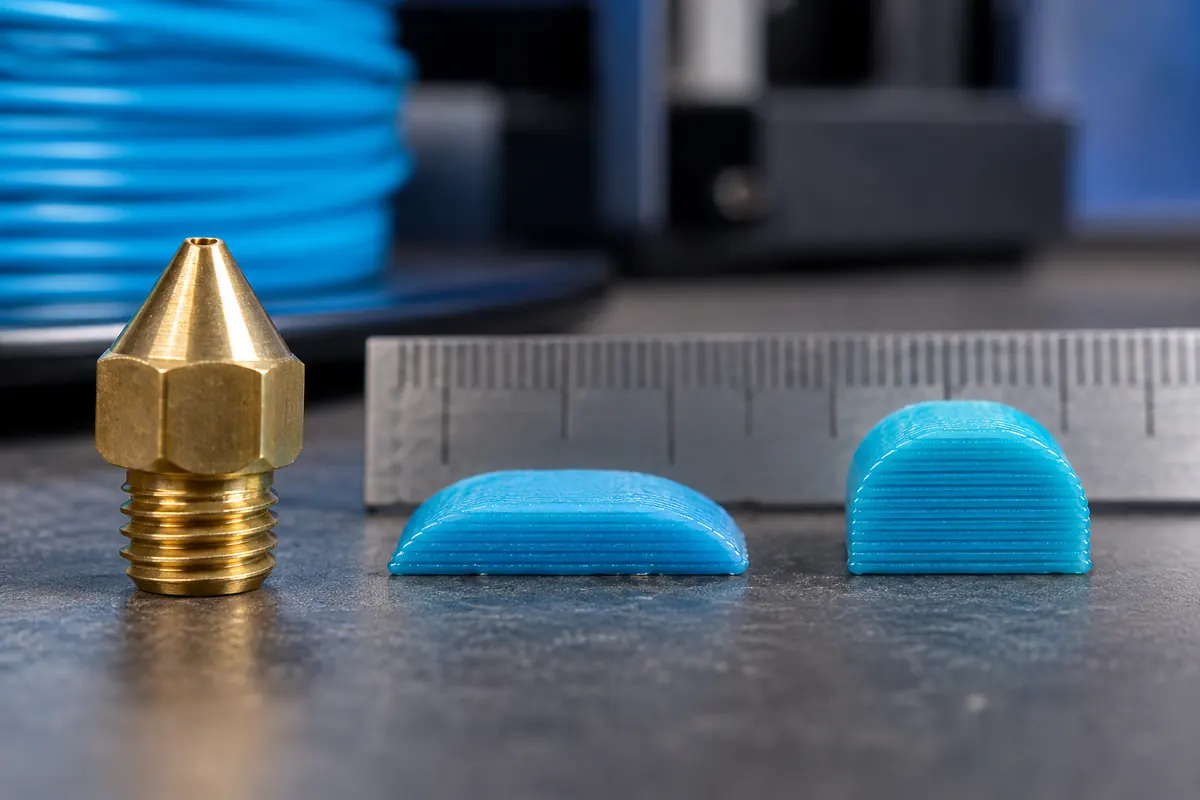 Slicer settings
Nozzle Size vs Layer Height
Nozzle diameter and layer height describe different axes of extrusion geometry. A supported nozzle profile connects them through practical deposition constraints.
Read guide →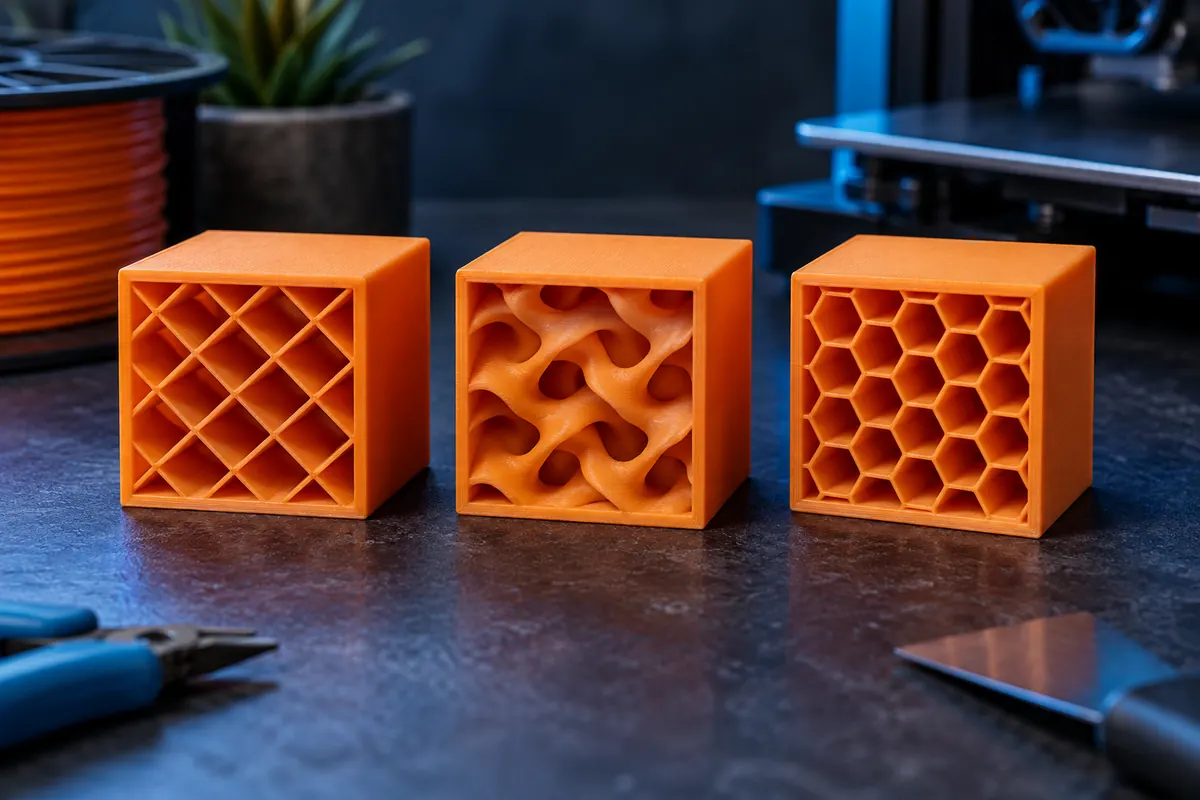 Slicer settings
3D Printing Infill Explained
Infill supports internal structure and upper surfaces while walls define the shell. A percentage is a slicing parameter, not a universal strength or mass percentage.
Read guide →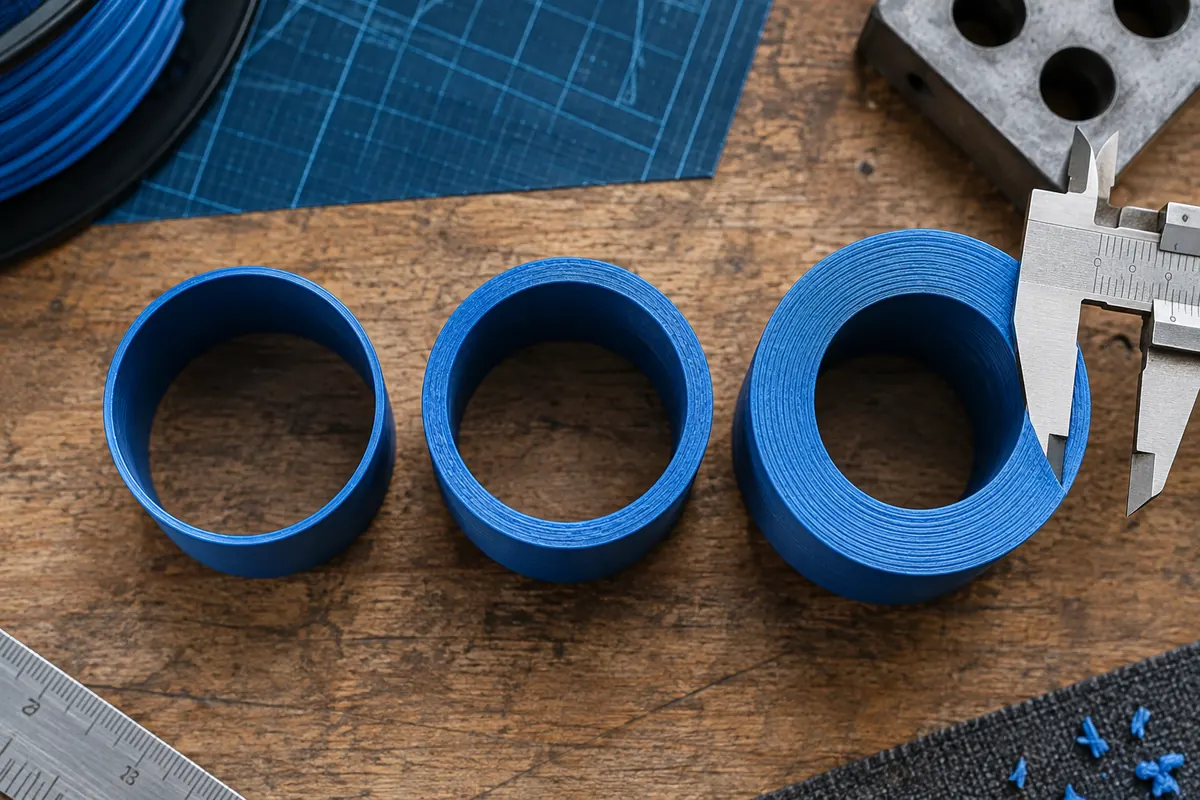 Slicer settings
How to Calculate Wall Thickness
Wall thickness depends on how the slicer lays adjacent extrusion paths. CAD thickness and perimeter count are connected but are not interchangeable controls.
Read guide →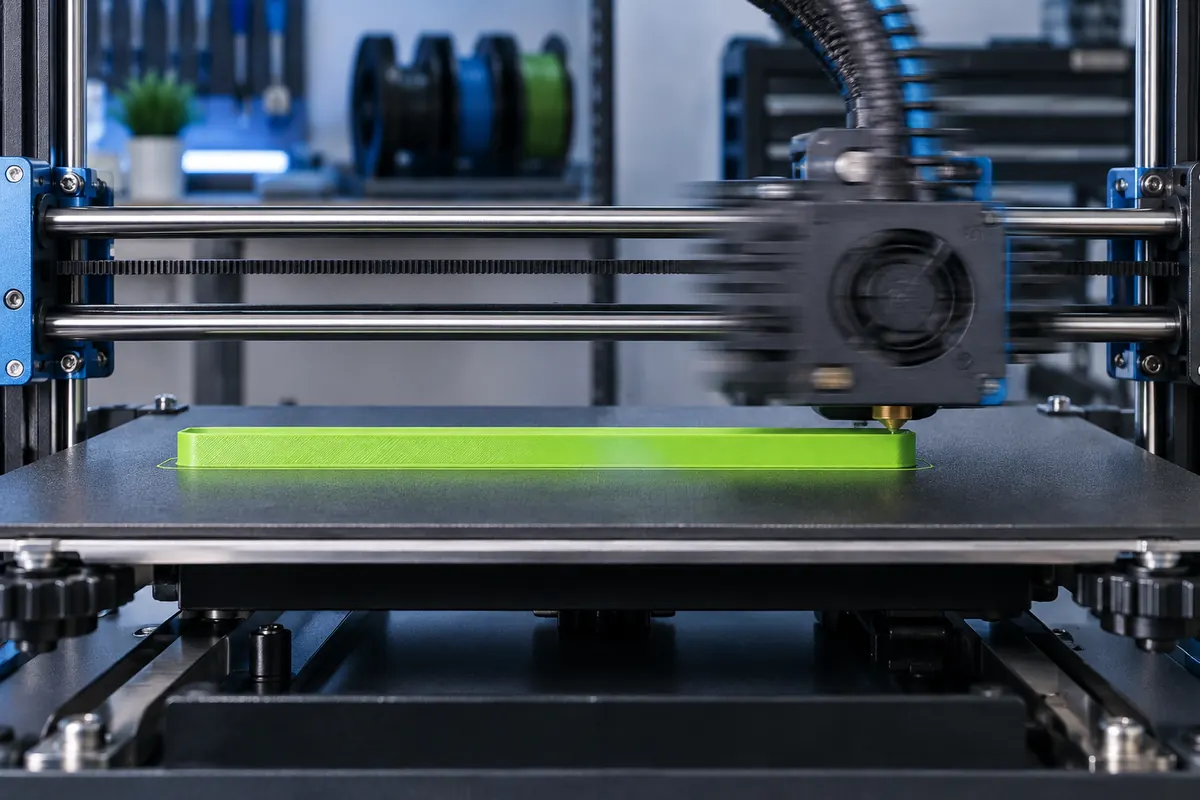 Slicer settings
Understanding Print Speed
Requested millimeters per second are only one limit in a print. Acceleration, feature speed, flow, cooling and travel all influence duration.
Read guide →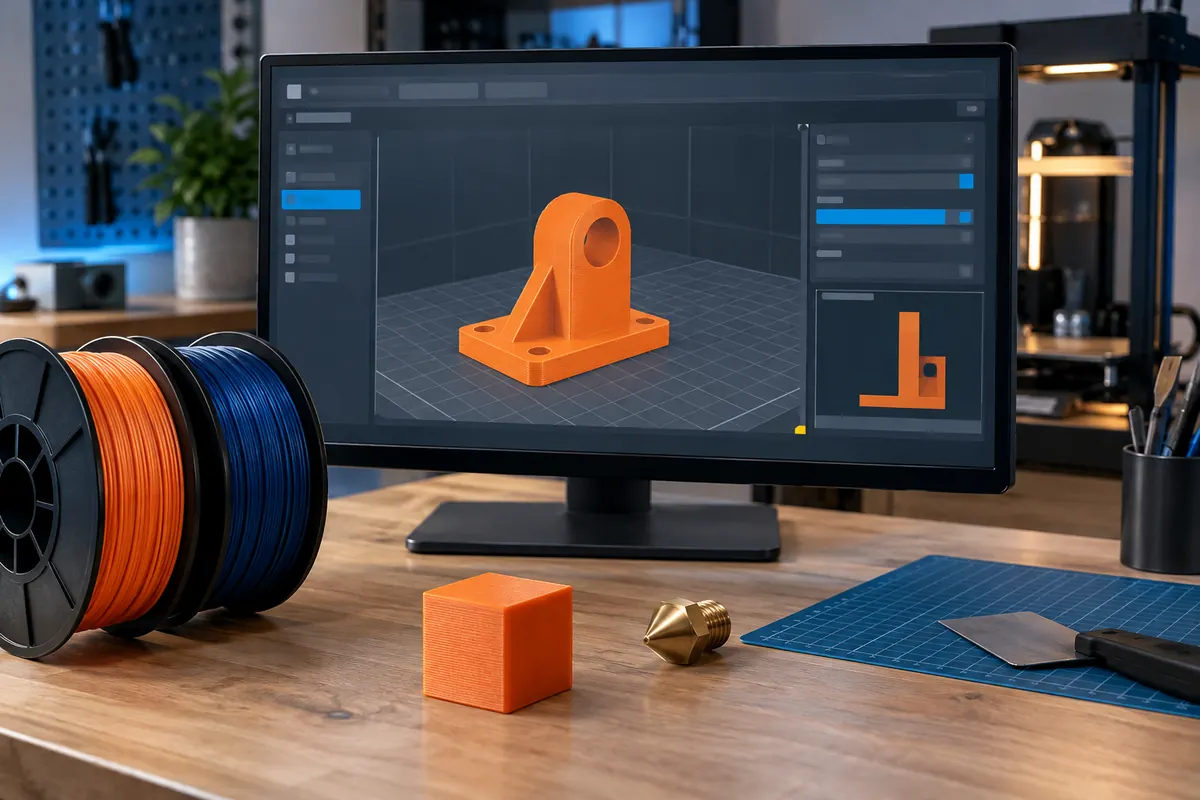 Slicer settings
Common Slicer Settings Mistakes
Many slicing failures start with a mismatched printer, nozzle or material profile. Fix configuration consistency before changing many unrelated quality parameters.
Read guide →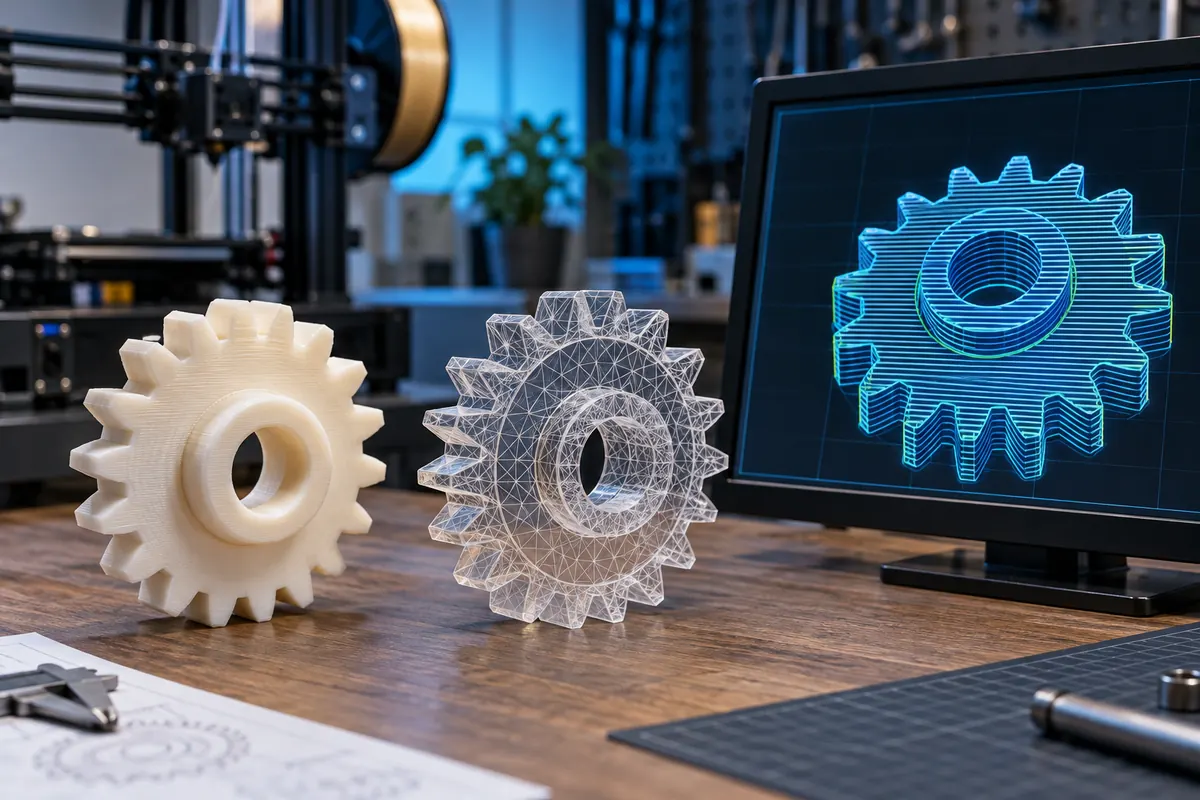 Models & planning
STL vs 3MF vs G-Code
STL is a triangle surface, 3MF is a structured model container, and G-code is a machine instruction stream. They belong to different stages of the workflow.
Read guide →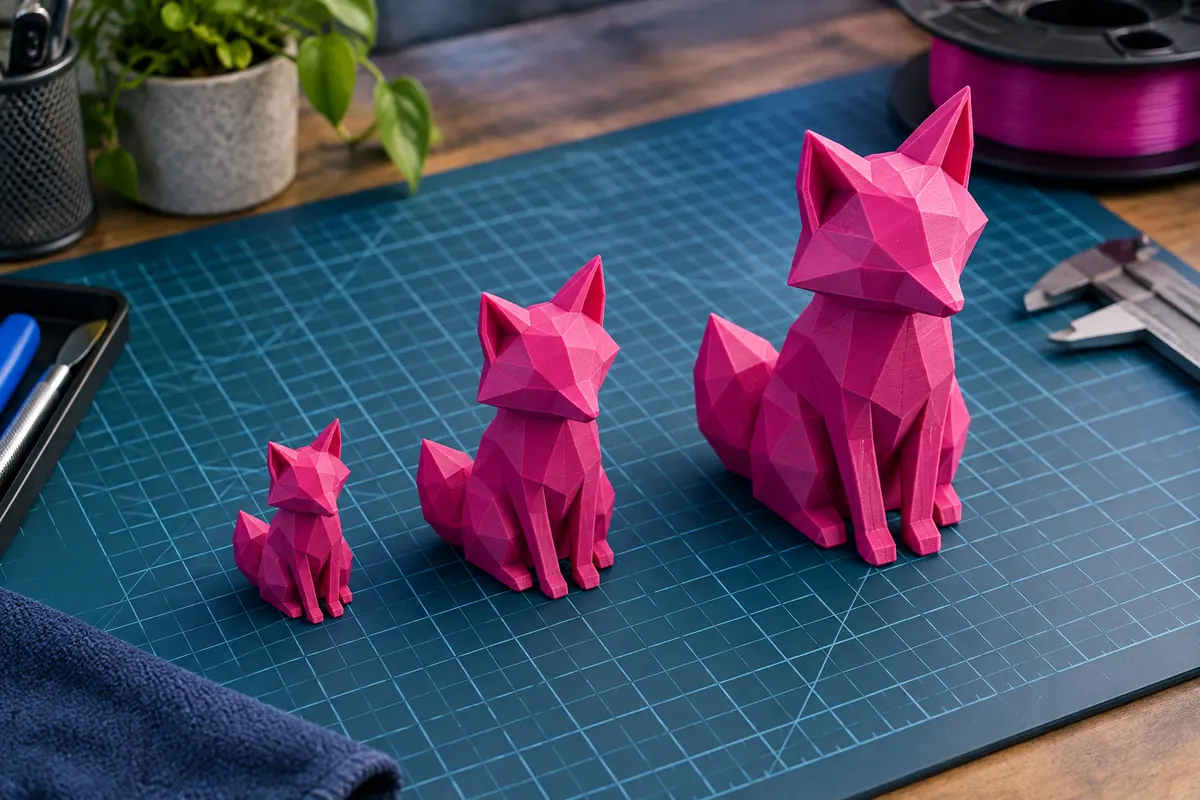 Models & planning
How to Scale STL Files Correctly
Scale from a known intended dimension, not from a guess about the file's unit. STL geometry does not identify whether coordinates represent millimeters or inches.
Read guide →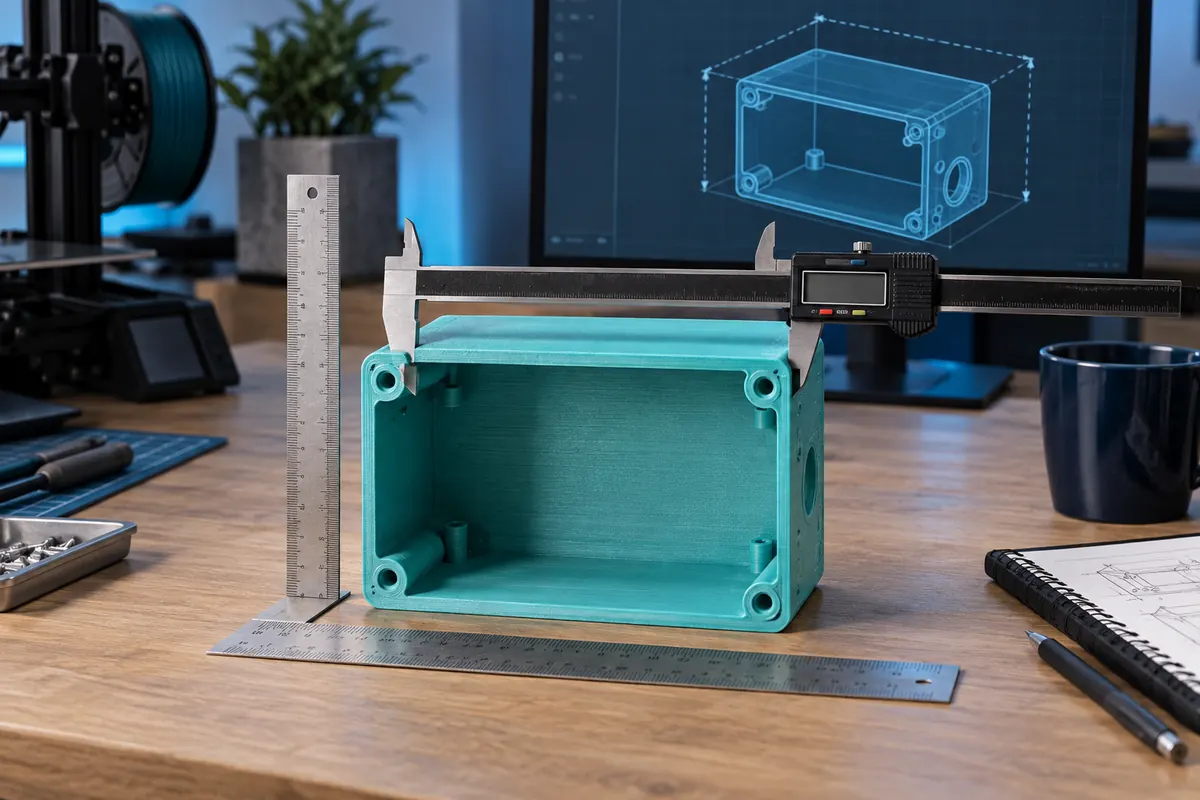 Models & planning
How to Check Model Dimensions
A bounding box gives the occupied extent of a chosen orientation. It does not describe every hole, tolerance or local wall in the model.
Read guide →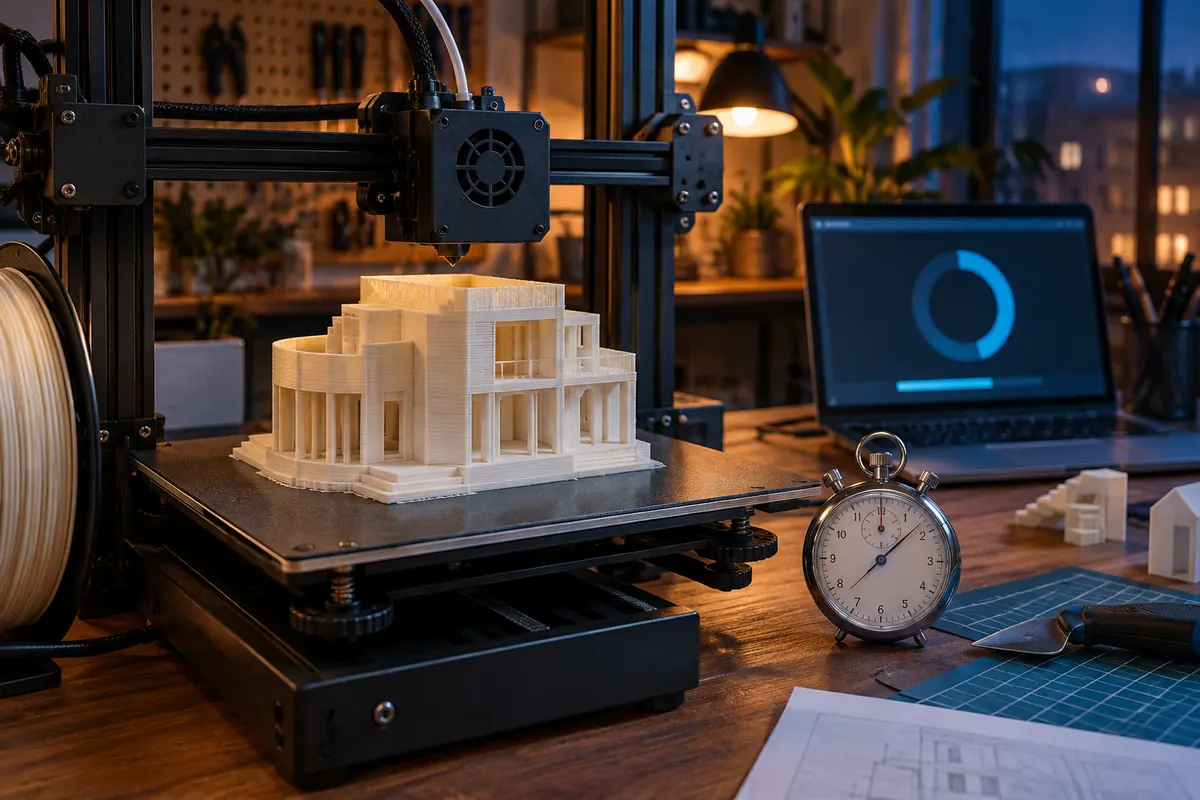 Models & planning
Why Print Time Estimates Differ
Slicer duration depends on its assumed motion and machine behavior. Real heating, firmware constraints and interventions can change completion time.
Read guide →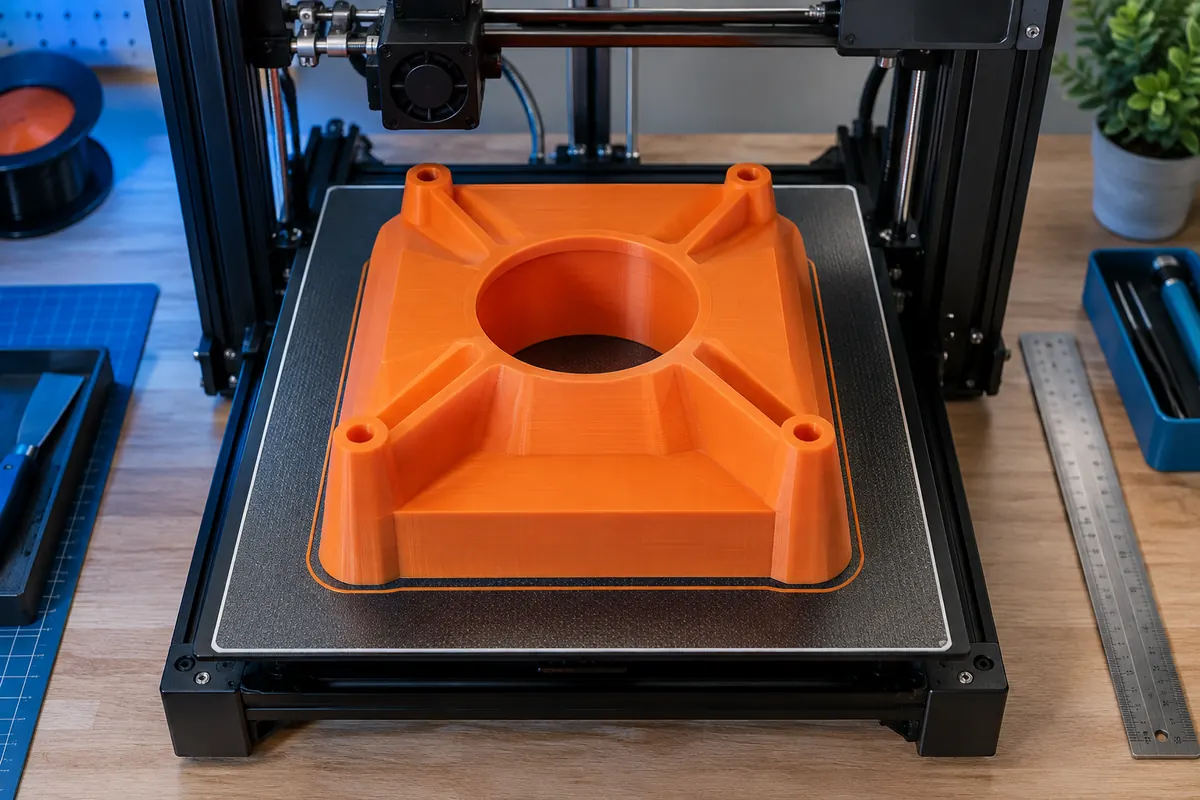 Models & planning
How to Check Printer Build Volume
Usable build area may be smaller than the physical bed. Keep clearance for generated structures and machine-specific exclusions.
Read guide →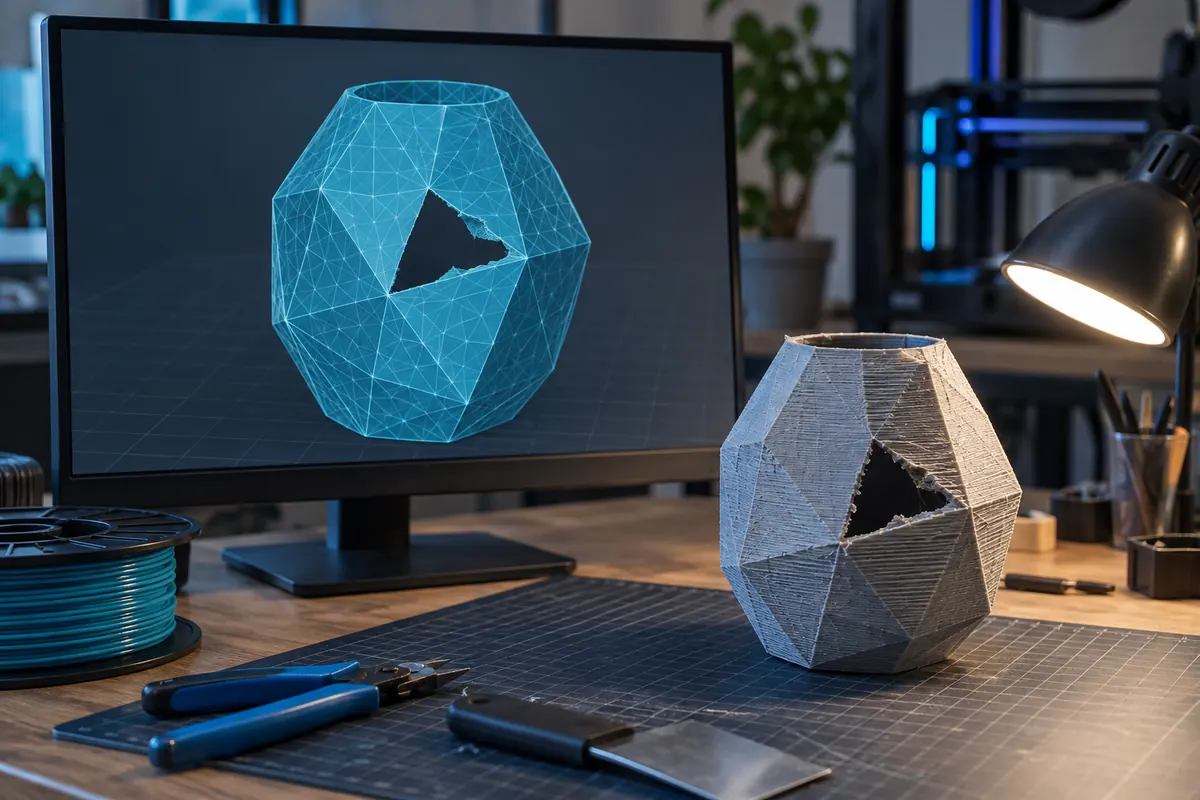 Models & planning
Common 3D Printing File Problems
Unit ambiguity, open meshes, inconsistent orientation and incompatible machine files create different problems. Diagnose the file stage before selecting a repair.
Read guide →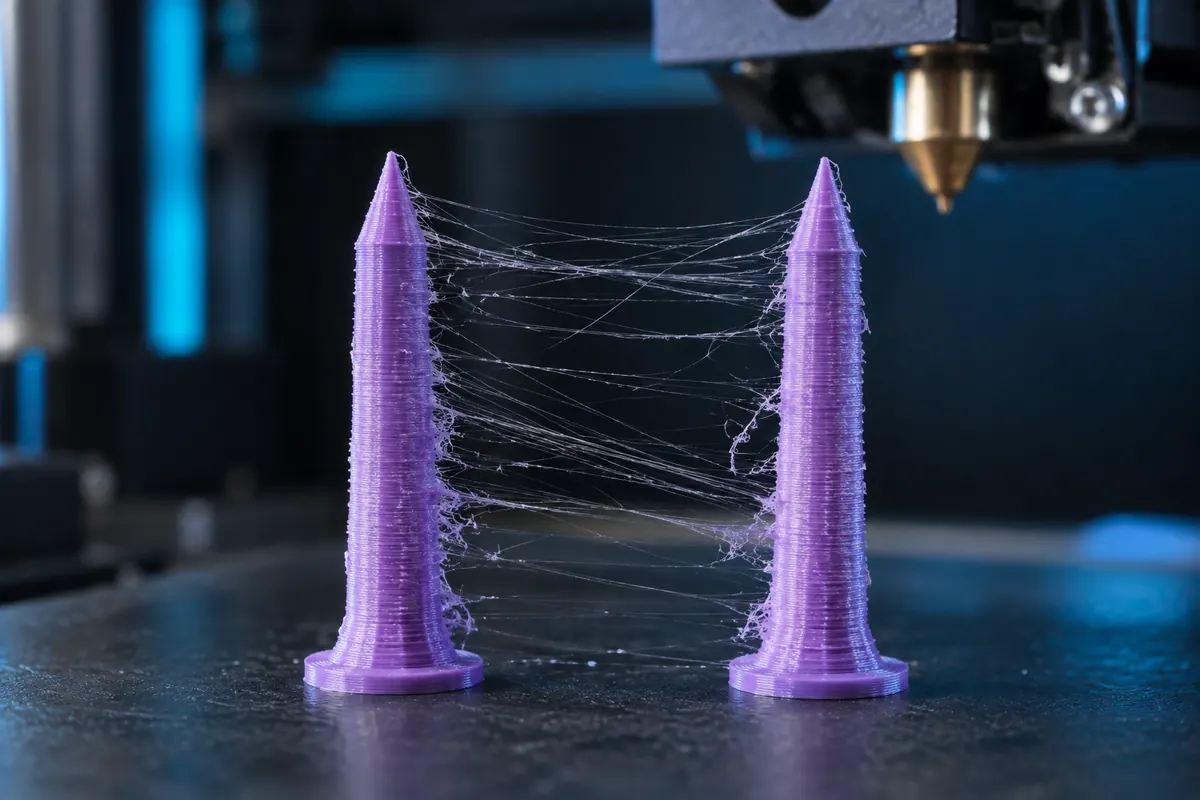 Troubleshooting
How to Fix 3D Print Stringing
Fine strands between separate features indicate material escaping during travel. Excess temperature, unsuitable retraction, moisture or nozzle deposits can contribute.
Read guide →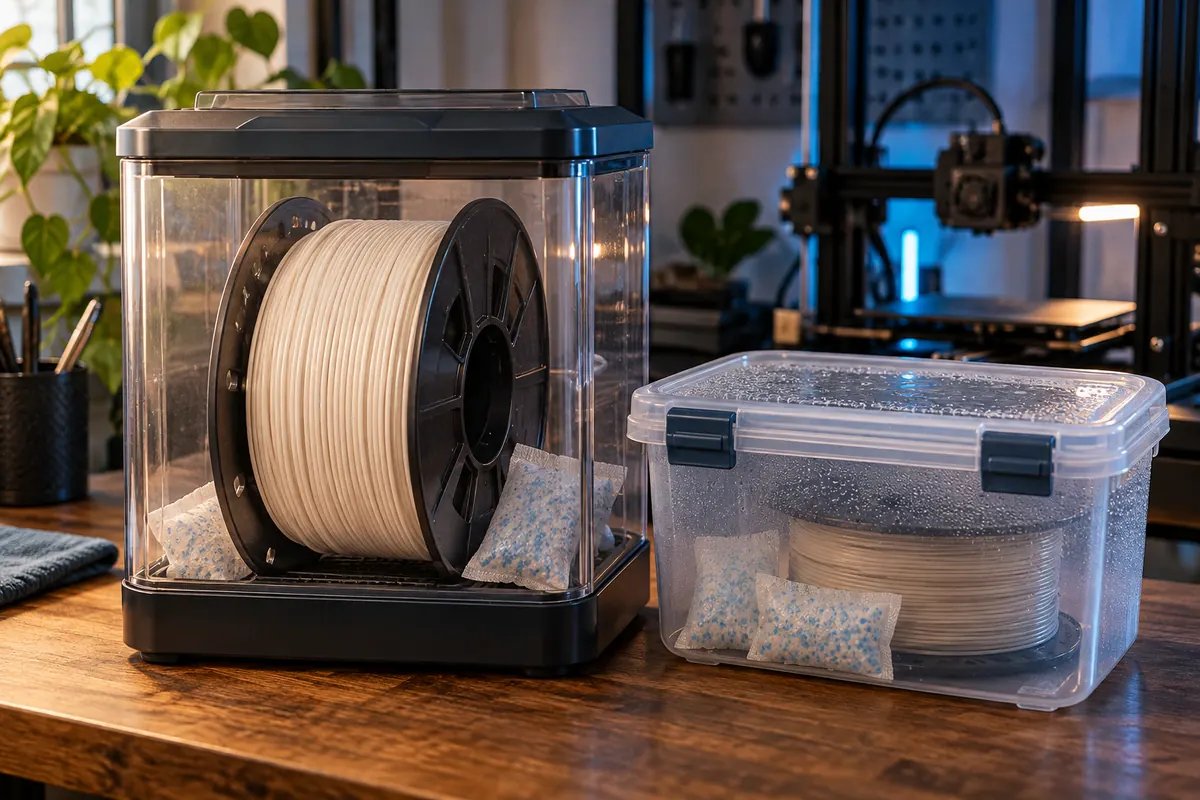 Filament & materials
How to Dry and Store 3D Printer Filament
Filament moisture sensitivity varies by product. Storage reduces future uptake, while drying removes existing moisture under controlled conditions.
Read guide →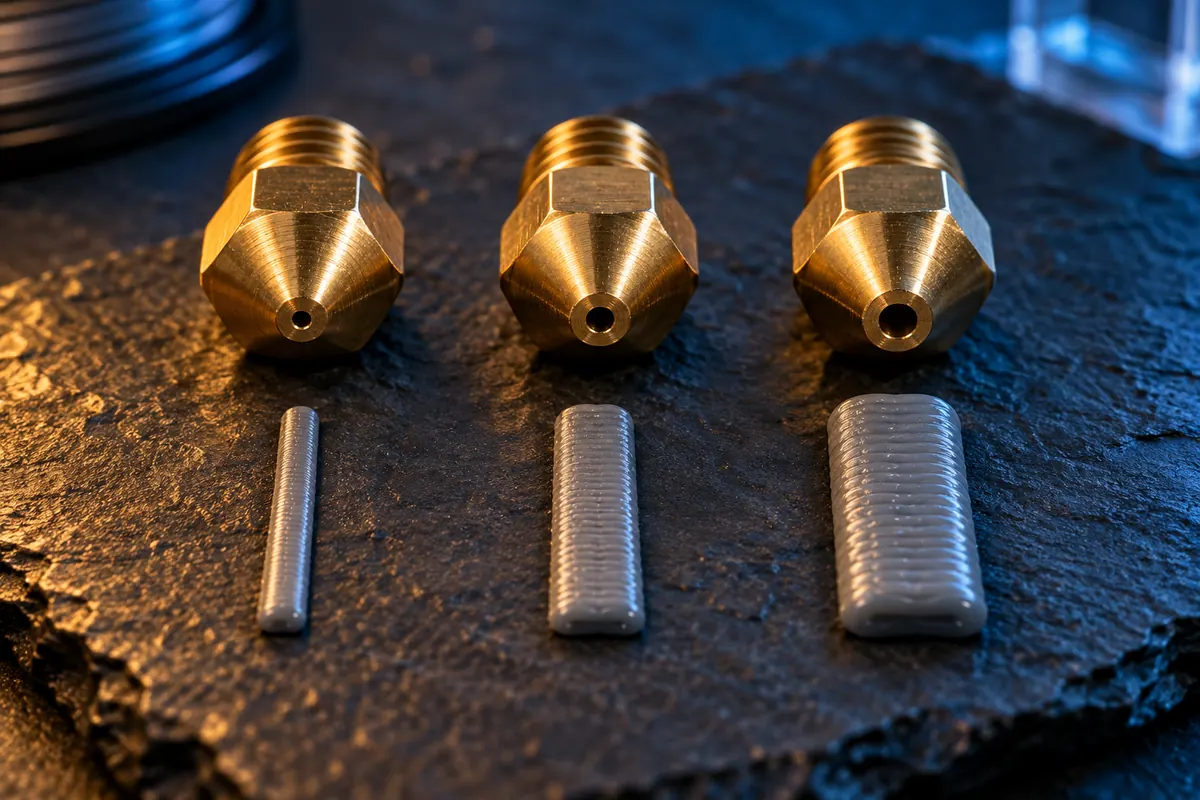 Slicer settings
0.4 vs 0.6 vs 0.8 mm Nozzle: Which Is Better?
Choose a nozzle for the job's smallest features and throughput constraints. Larger openings can reduce path count but cannot create unlimited melt capacity.
Read guide →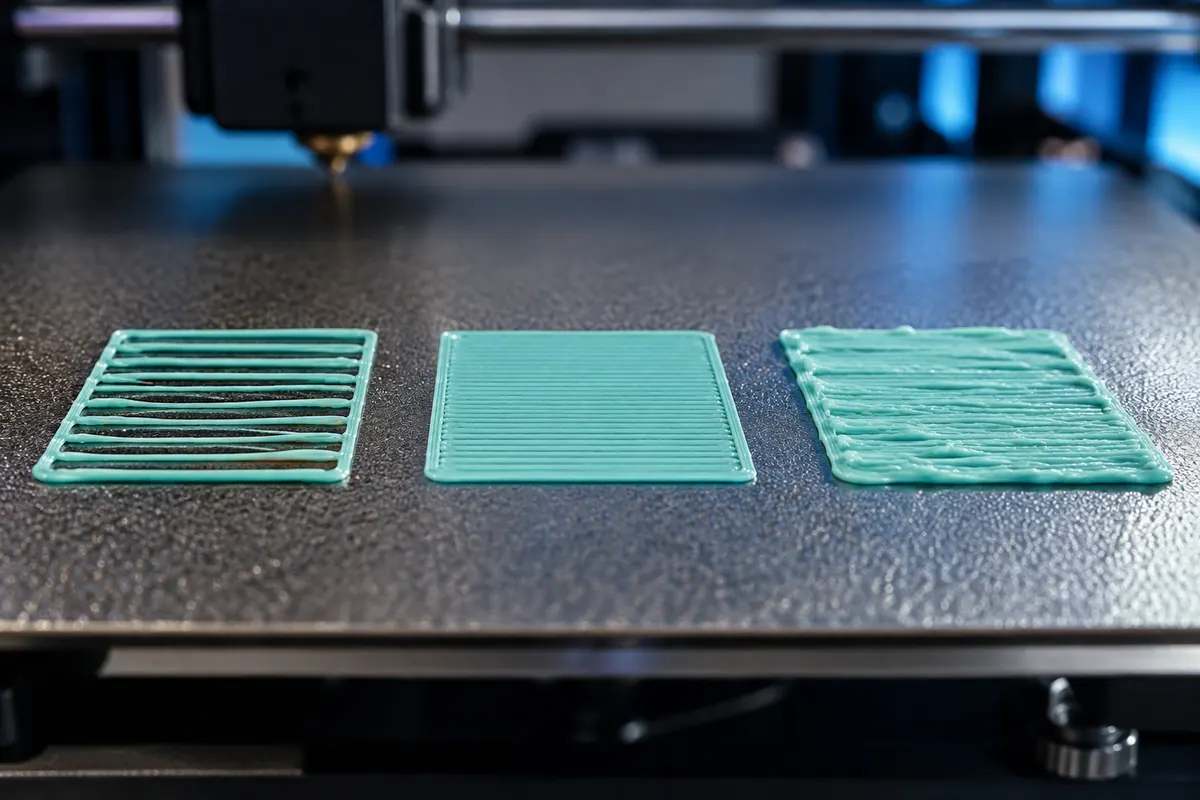 Troubleshooting
3D Print First Layer Problems: Causes and Solutions
Diagnose whether the first layer is too far, too close, locally uneven or contaminated. These produce different patterns and need different corrections.
Read guide →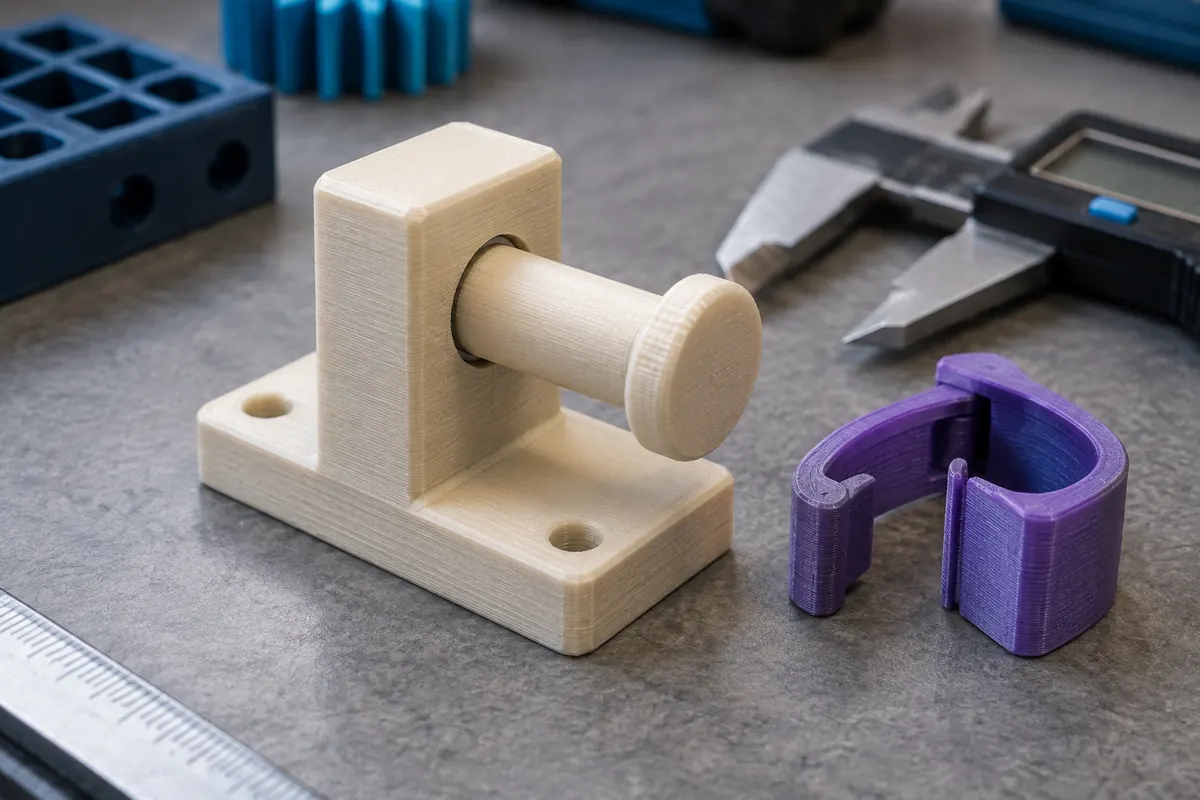 Calibration
3D Printing Tolerances and Clearances Explained
Tolerance describes allowed dimensional variation; clearance describes intentional space between mating parts. Design both for the function and the actual printing process.
Read guide →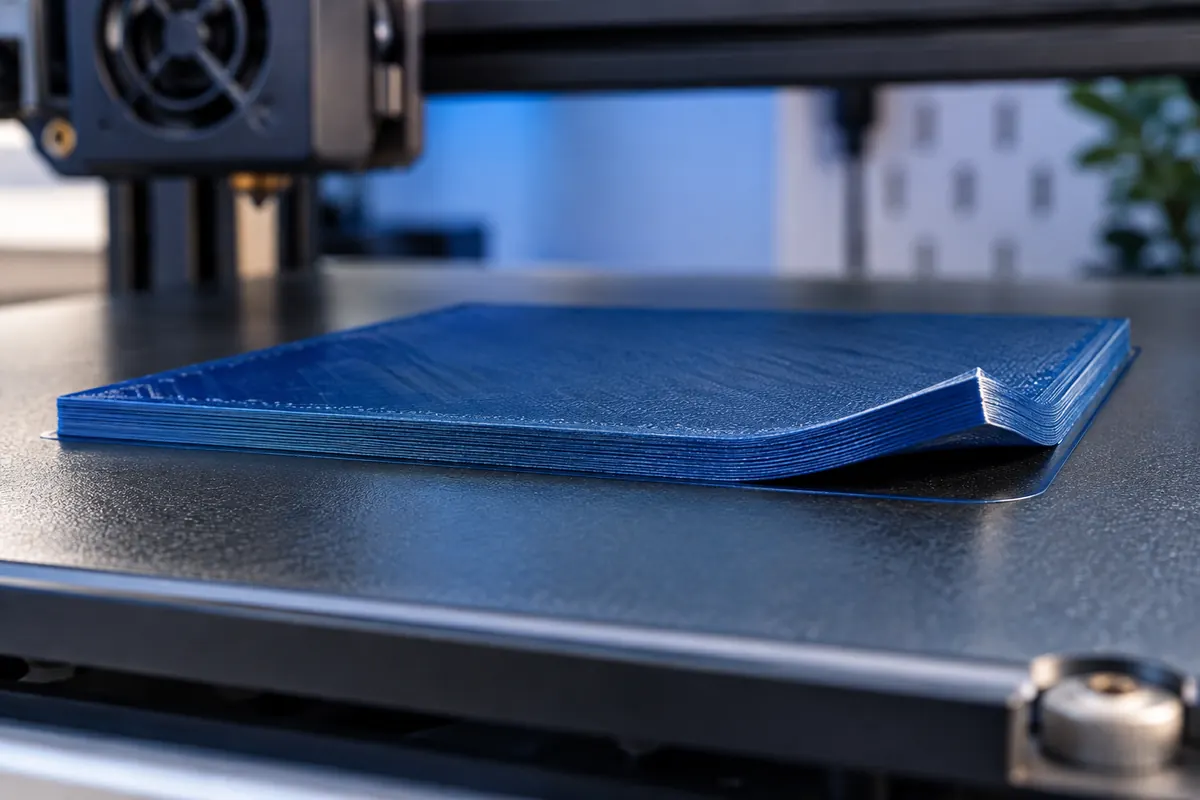 Troubleshooting
3D Print Warping: Causes, Prevention and Fixes
Warping is distortion from stresses and uneven contraction, often visible as lifted corners. Uniform dimensional shrinkage and warped geometry are different problems.
Read guide →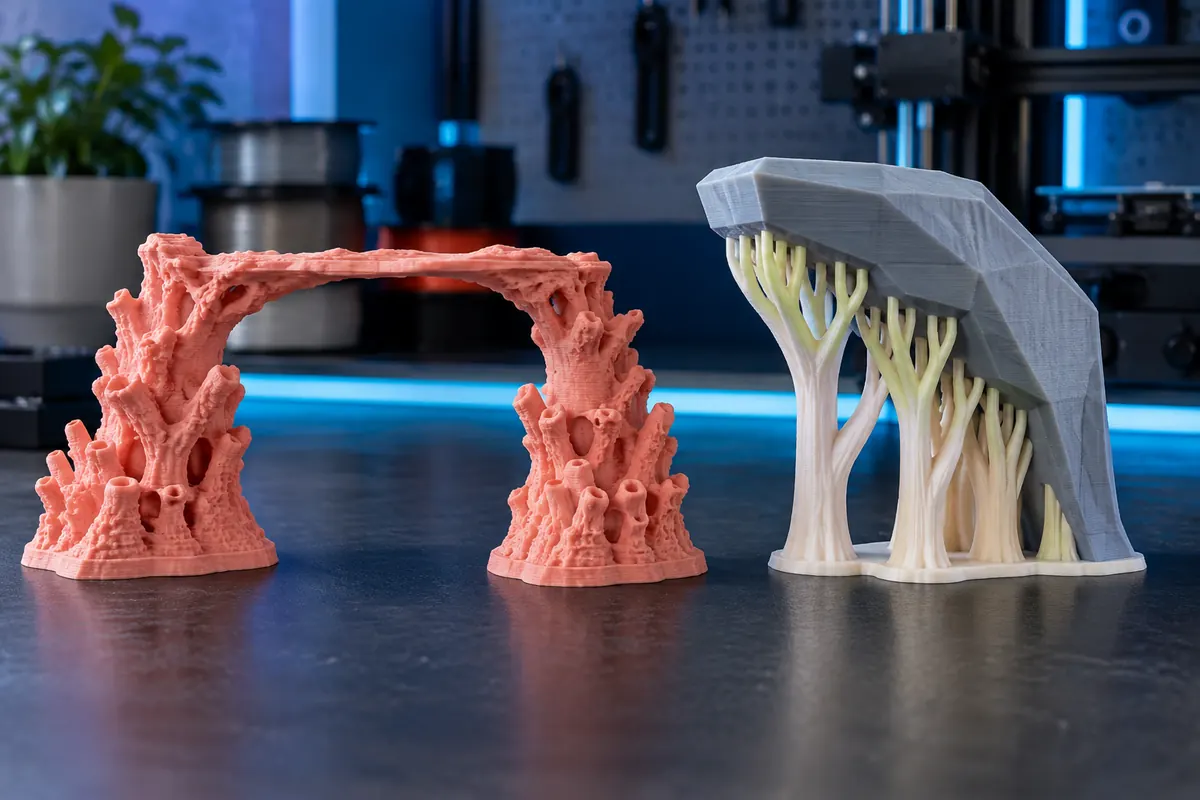 Slicer settings
Supports vs Bridging in 3D Printing
A bridge spans between supporting edges; supports provide temporary structure under otherwise unsupported geometry. The distinction guides orientation and slicing choices.
Read guide →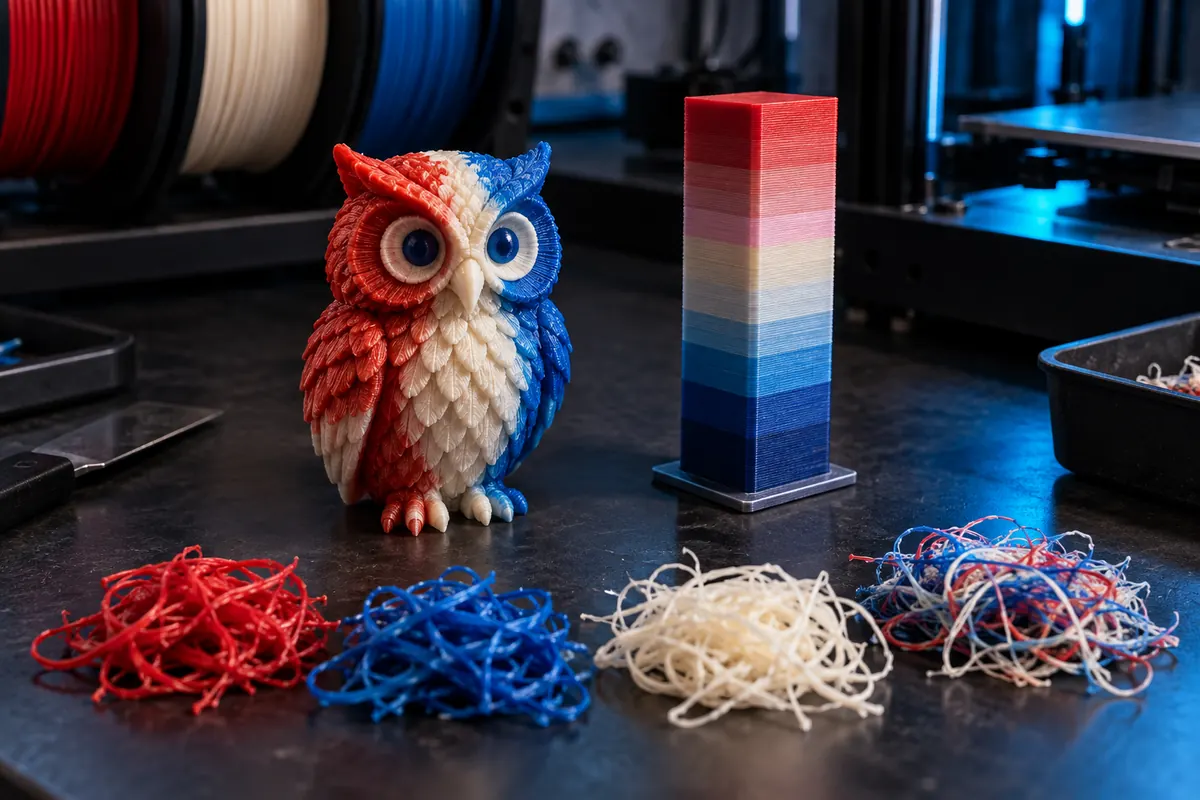 Filament & materials
How to Reduce Multicolor Filament Waste
Multicolor waste is driven by transitions, not merely the number of colors. Many changes on every layer can dominate a small decorative object's mass.
Read guide →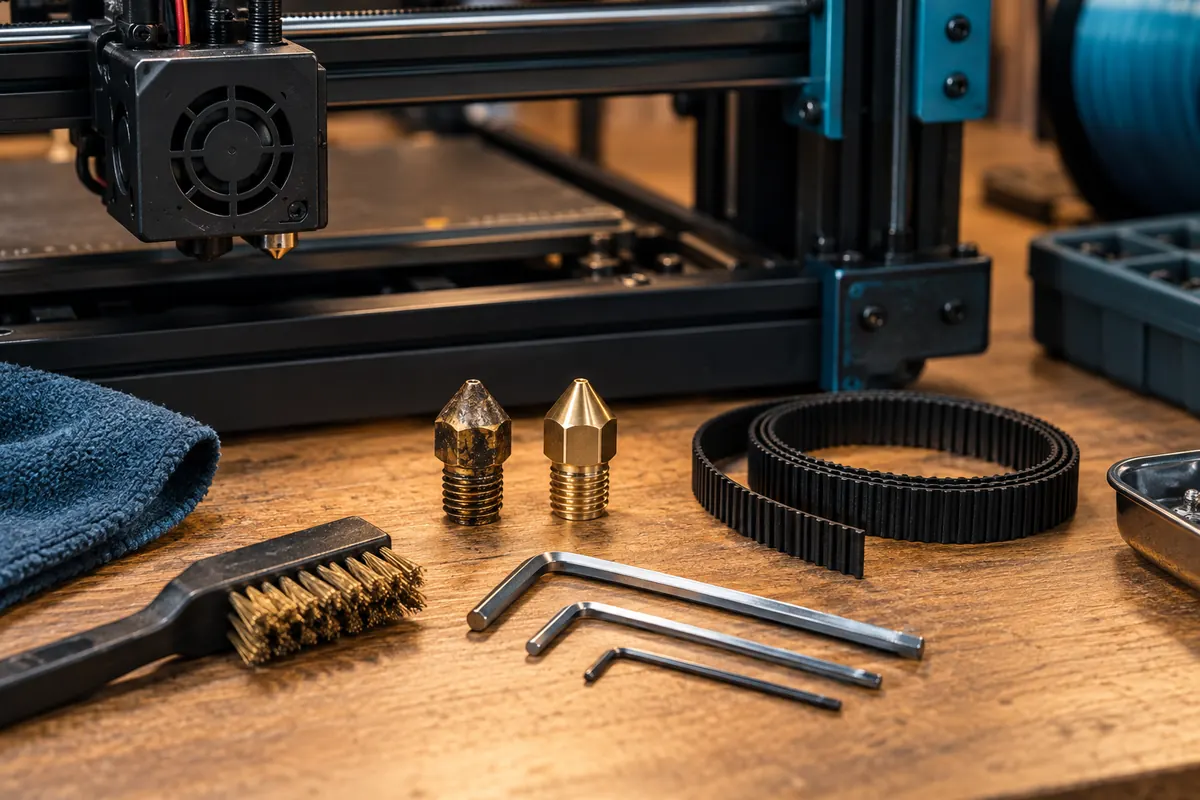 Costs & pricing
3D Printer Maintenance Costs Explained
Maintenance includes wear parts, scheduled work and downtime. Separate preventive service from repairs caused by failed jobs so the cost model remains understandable.
Read guide →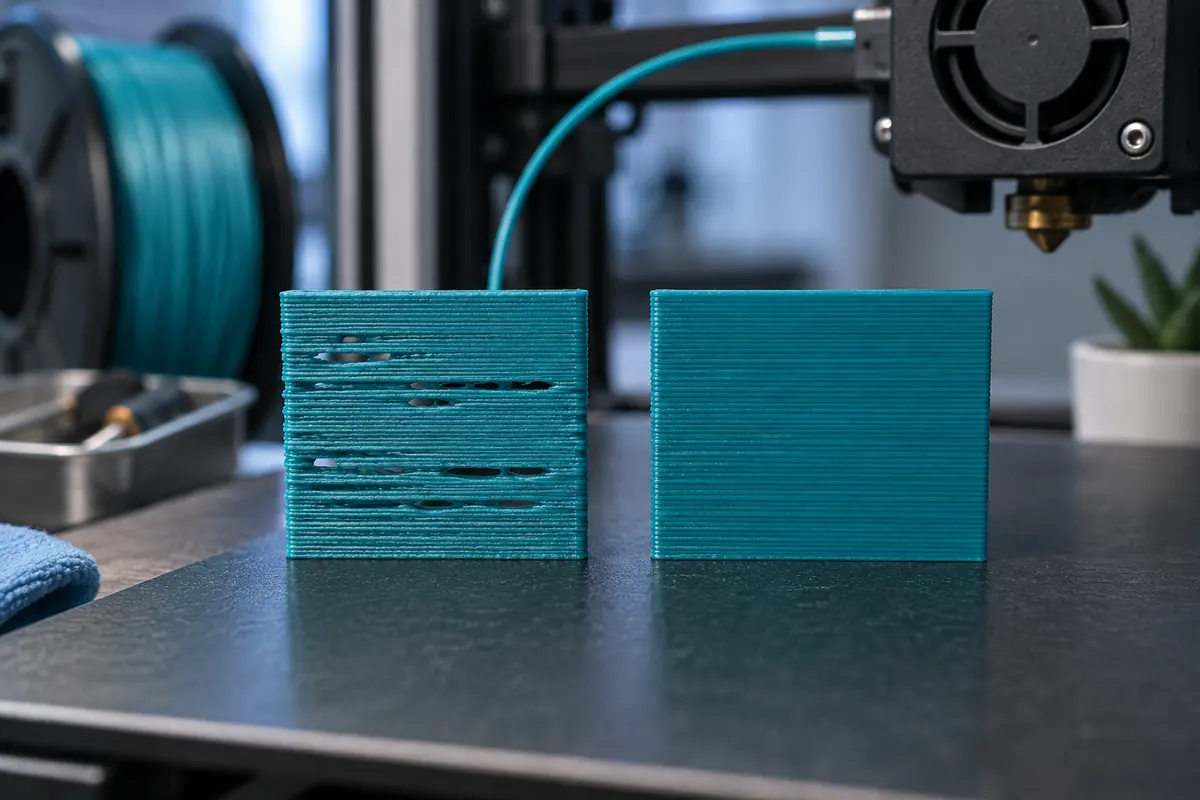 Troubleshooting
3D Printer Under-Extrusion: Causes and Fixes
Missing material can come from insufficient feed, a restriction or excessive extrusion demand. The visual symptom alone does not identify which mechanism is responsible.
Read guide →No matching guides.