
Identify which stage is failing
A file can be unreadable, import at the wrong size, lose features during slicing or contain a job unsuitable for a machine. These are different problems. Record the file format, software version and exact symptom before choosing a repair. Preserve the original and work on a copy. Renaming a file extension does not convert its contents. If the application rejects a compressed or binary machine format, obtain a supported export from the original workflow rather than treating it as plain-text G-code.
Wrong size often begins with units
STL coordinates do not reliably carry a standard unit declaration. Check intended units against a known feature or export setting. An inch-to-millimetre mismatch changes lengths by 25.4; a guessed visual resize can conceal the error. File containers with richer metadata may still be imported through a workflow that ignores or changes relevant information. Compare a measured overall dimension and a functional feature after import. If both disagree proportionally, investigate the unit or scale path before editing local geometry.
Open and damaged meshes need geometric diagnosis
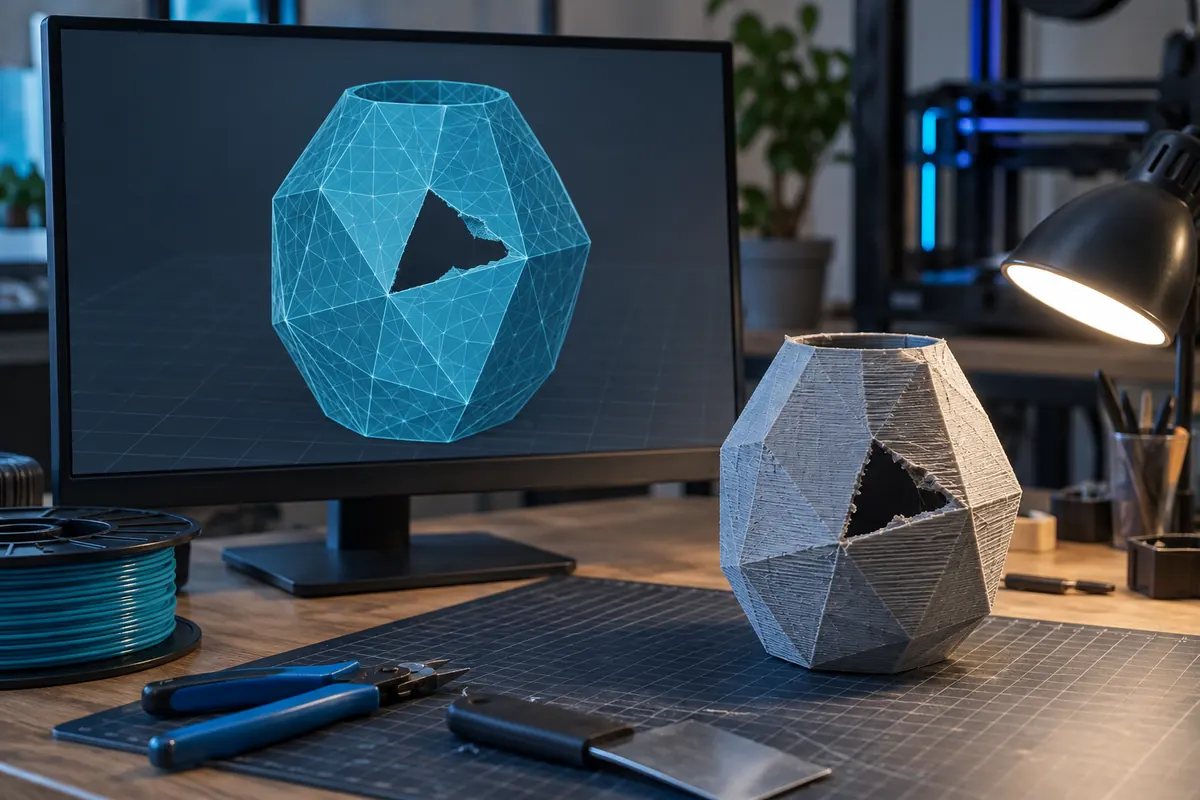
An STL is a collection of triangles, not a guarantee of a closed solid. Missing faces, duplicate triangles, inconsistent orientation and disconnected shells can confuse downstream tools. Basic edge pairing is helpful but does not identify every self-intersection or ambiguous overlap. A reported numeric volume alone is not sufficient proof. Use a dedicated editor to inspect the affected regions and repair intentionally. Automatic repair may close a real opening or remove a wanted component, so compare the result with the original design and check dimensions after the operation.
Missing thin features may be a slicing issue
A wall visible in the model viewer may generate no printable path at the selected nozzle and width strategy. Inspect the sliced paths across the relevant layers. Determine whether the geometry is thinner than the requested deposition strategy or whether the mesh itself lacks the intended detail. Enlarging the model changes all interfaces; it is not always the right fix. Editing a local CAD feature or changing a supported line strategy can be more appropriate. Recheck strength and fit when either geometry or printing assumptions change.
Too much tessellation is not always helpful
High triangle counts increase file size and processing cost without necessarily improving a flat surface. Excessively coarse curved geometry can show facets after printing, but an enormous file can also contain needless detail or damage. Prefer a suitable export resolution from original CAD. When simplifying a mesh, preserve critical interfaces and compare the modified dimensions. PrintTools Lab's local STL analyzer has explicit byte and triangle limits; exceeding them is a resource limitation, not proof that the model is invalid or that every other tool will reject it.
G-code is tied to a printing setup
A model file describes geometry; a G-code job contains machine instructions for a chosen workflow. Do not assume a downloaded job is compatible because the object looks familiar. Check the intended printer, coordinate system, tools, temperatures and start/end behaviour in the actual preparation process. Metadata comments are useful evidence but can be stale or incomplete. The local analyzer reads supported explicit declarations without executing them. It is not a full safety or compatibility validator and should not be used to approve an unknown job for printing.
A recovery workflow that retains evidence
Return to the original CAD or project when available, correct the identified issue, export to a supported format and import again. Verify units and critical dimensions, inspect mesh integrity where relevant and slice with the right machine profile. Compare the preview with the intended shape rather than relying only on a successful file-open message. Save original, repaired and accepted revisions with a short note explaining the change. If the next failure is different, that history prevents repeated unrelated repairs and makes the process reproducible.
Choose the matching investigation
| Symptom | Investigate | Validate |
|---|---|---|
| Unexpected overall size | Intended units and export/import scale. | Compare a known reference before resizing. |
| Missing thin feature | Mesh detail and generated extrusion paths. | Inspect the relevant layers after a justified change. |
| Unclear solid volume | Closure, orientation and intersecting shells. | Use a suitable mesh inspection before trusting the number. |
Does automatic mesh repair always preserve the design?
No. It can remove shells or close intentional openings. Compare repaired geometry and dimensions with the original.
Can I rename a binary job to .gcode?
Renaming changes only the filename. Obtain a supported text export if you need a plain-text reader.