
Technical context
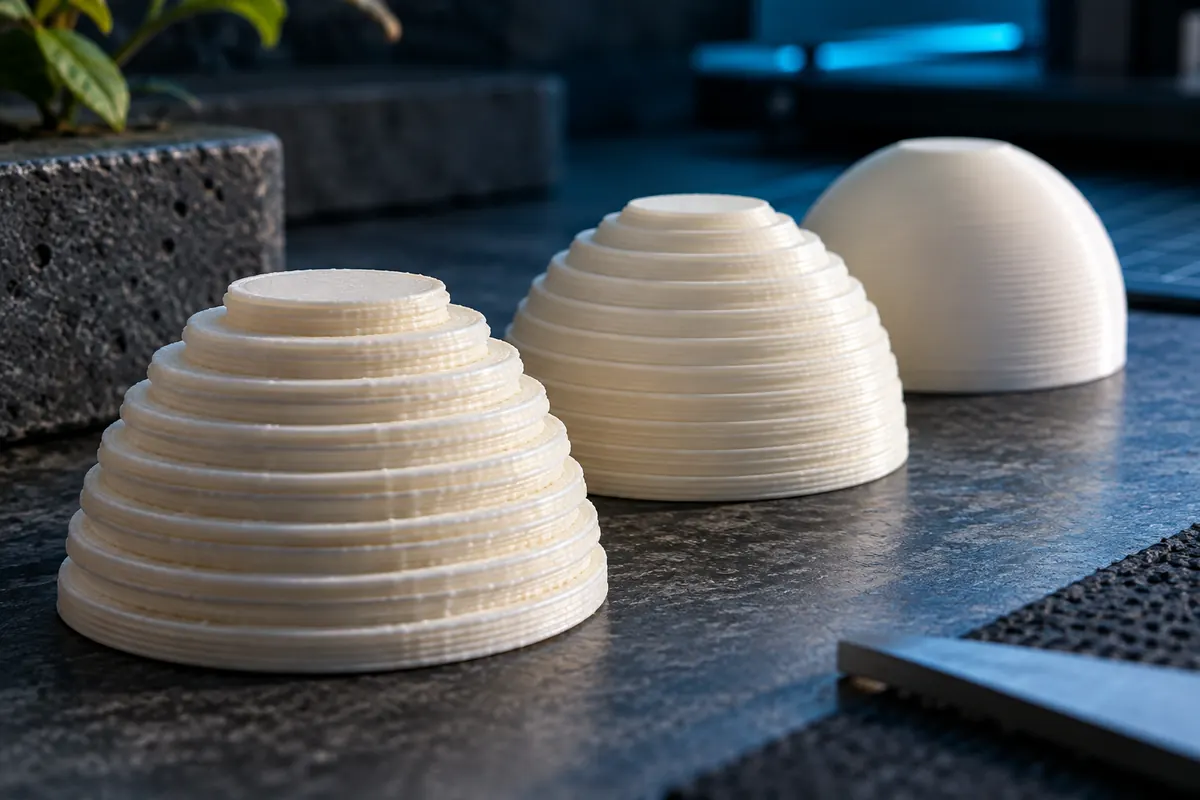
Choose height from surface orientation and feature requirements. Sloping and curved surfaces can benefit from finer or adaptive layers, while a vertical wall may show little functional improvement. Keep first-layer height distinct because it serves a different adhesion and leveling purpose.
Layer height determines layer count
View data table
| Comparison | layers |
|---|---|
| 0.10 mm | 200 |
| 0.20 mm | 100 |
| 0.25 mm | 80 |
Practical workflow
Halving height usually increases layer count but does not guarantee exactly doubled duration. Travels, acceleration, cooling and flow limits also contribute. Inspect the sliced duration and compare it with actual quality before choosing the finest available profile.
Calculation and units
For positive H: 1 if H ? first layer, otherwise 1 + ceil((H ? first layer)/normal layer).
Worked example
20 mm at 0.20 mm first and normal layers gives 100 layers. Changing only normal height to 0.10 mm gives 199.
Validate the outcome
Fine Z layers do not improve XY details below path width. Check actual layer sequence in the slicer.
Keep first-layer height separate
A 20 mm model with a 0.20 mm first layer leaves 19.80 mm. At 0.20 mm normal height, 99 further layers make 100 total. At 0.10 mm, 198 further layers make 199 total. Dividing full height by normal height ignores the distinct first layer. Real slicers can round or use adaptive sequences, so inspect the layer preview rather than treating the planner's count as the generated G-code count.
Height interacts with flow and cooling
At fixed width and motion speed, halving height approximately halves rectangular demand. Under a flow cap, higher linear speed may partly offset the increased number of layers. A small part can instead remain controlled by minimum layer time. Thus there is no universal exactly doubled duration when height halves. Compare supported profiles with the same geometry and required finish rather than extrapolating from layer count alone.
Preserve physical skin thickness
Four top layers mean 0.8 mm at 0.20 mm height but only 0.4 mm at 0.10 mm. If the part needs a particular top thickness, changing height without reviewing layer counts changes its structure. Finer Z sampling also cannot recover an XY letter stroke narrower than the path. Inspect surfaces by orientation and use adaptive layers where they help instead of applying the smallest height everywhere.
Layer and top-skin comparison
| Model height | First layer | Normal layer | Layer count | Four top layers |
|---|---|---|---|---|
| 20 mm | 0.20 mm | 0.20 mm | 100 | 0.80 mm |
| 20 mm | 0.20 mm | 0.10 mm | 199 | 0.40 mm |
Choose height using surfaces and structural skins
Identify which surfaces need fine vertical sampling and which features are limited by XY paths. A sloping surface can benefit from smaller layers while an upright wall may show little functional gain. Review adaptive-height options with the actual model. Then maintain any required physical top or bottom thickness: fixed layer counts become thinner when height falls. Inspect the resulting support and bridge behavior rather than assuming quality always improves.
Compare sliced duration and physical samples at the same acceptance standard. More layers can be offset partly by lower flow per path, but cooling and short-motion constraints may dominate. Check first-layer height independently and preserve its validated adhesion behavior. A layer-count calculator explains the nominal arithmetic; actual adaptive schedules and last-layer rounding belong to the slicer preview and exported job.
Does half height mean twice the print time?
It roughly doubles normal-layer count in many fixed-height models, but duration depends on more than count. Lower cross-section can change flow-limited speed; travels, acceleration and minimum cooling time also contribute. A distinct first layer and adaptive heights further change the relation. Slice the real model with supported profiles and compare actual output. Use the planner to understand nominal layers, not to promise a universal exact time multiplier.
Will fine layers improve small text?
They help only where vertical sampling is the limiting feature. Strokes in the XY plane can remain limited by nozzle and generated path width. A letter narrower than the producible path may vanish even with very thin layers. Inspect the sliced feature and consider a suitable smaller nozzle or revised design. Keep the text's orientation and required legibility in the test instead of assuming a single resolution slider improves every direction.